Party Pantry
Table of Contents
- Overview
- User Guide
- Development History
- Acceptance Testing
- Developer Guide
- Team Contract
- Team Members
Overview
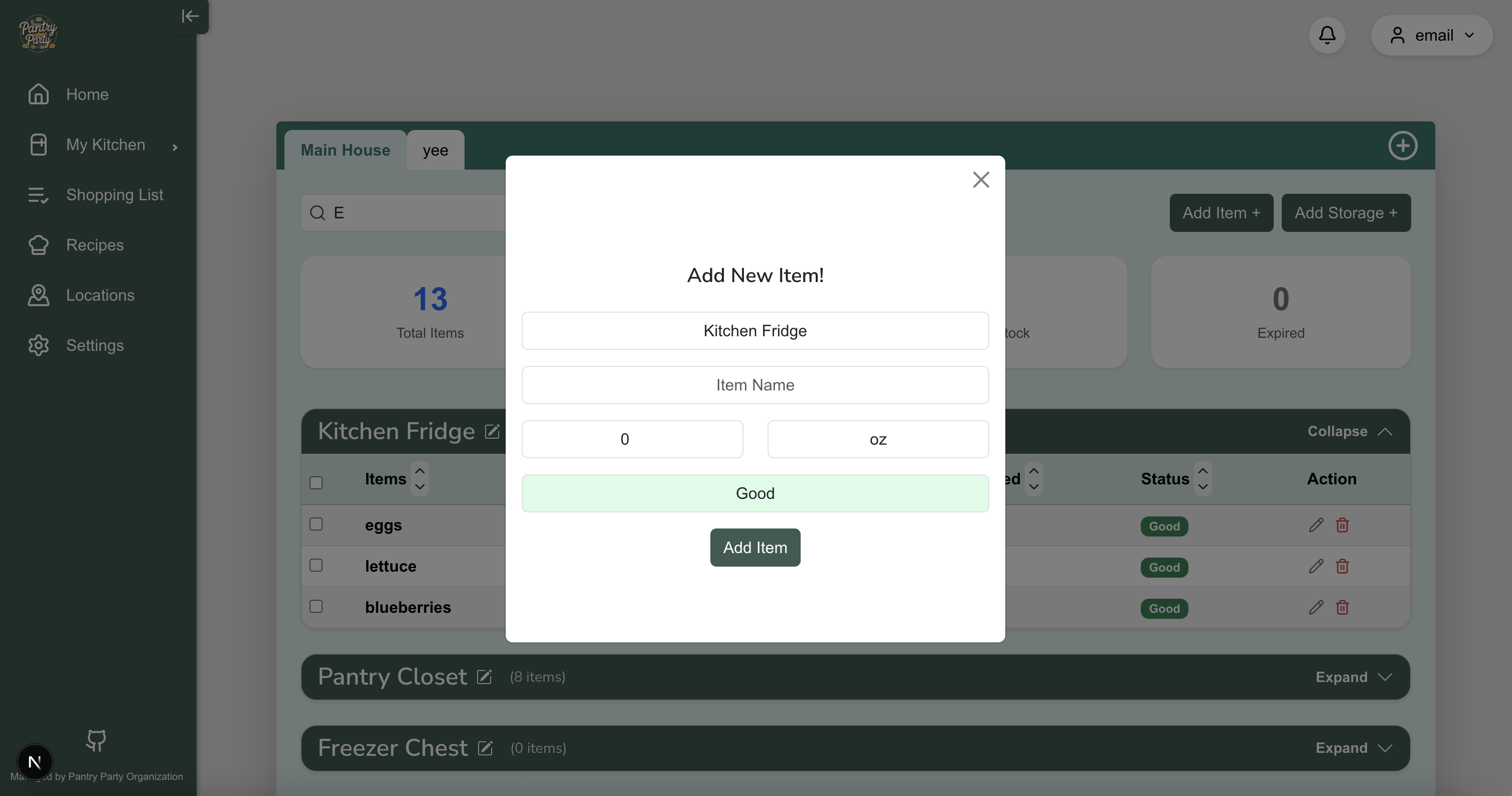
Party Pantry is a web application that serves as an inventory management system of one’s pantry in multiple locations (i.e. multiple homes containing one or more freezers, refrigerators, spice racks, etc.) The app allows users to keep track and update current items in their kitchen. Party Pantry allows users to add ‘Storage Spaces’, where they can then add any corresponding items.
User Guide / Page Mockups
This section provides a walkthrough of the Party Pantry web app including its user interface and its capabilities.
Landing Page
Here is the landing page of our Party Pantry app!
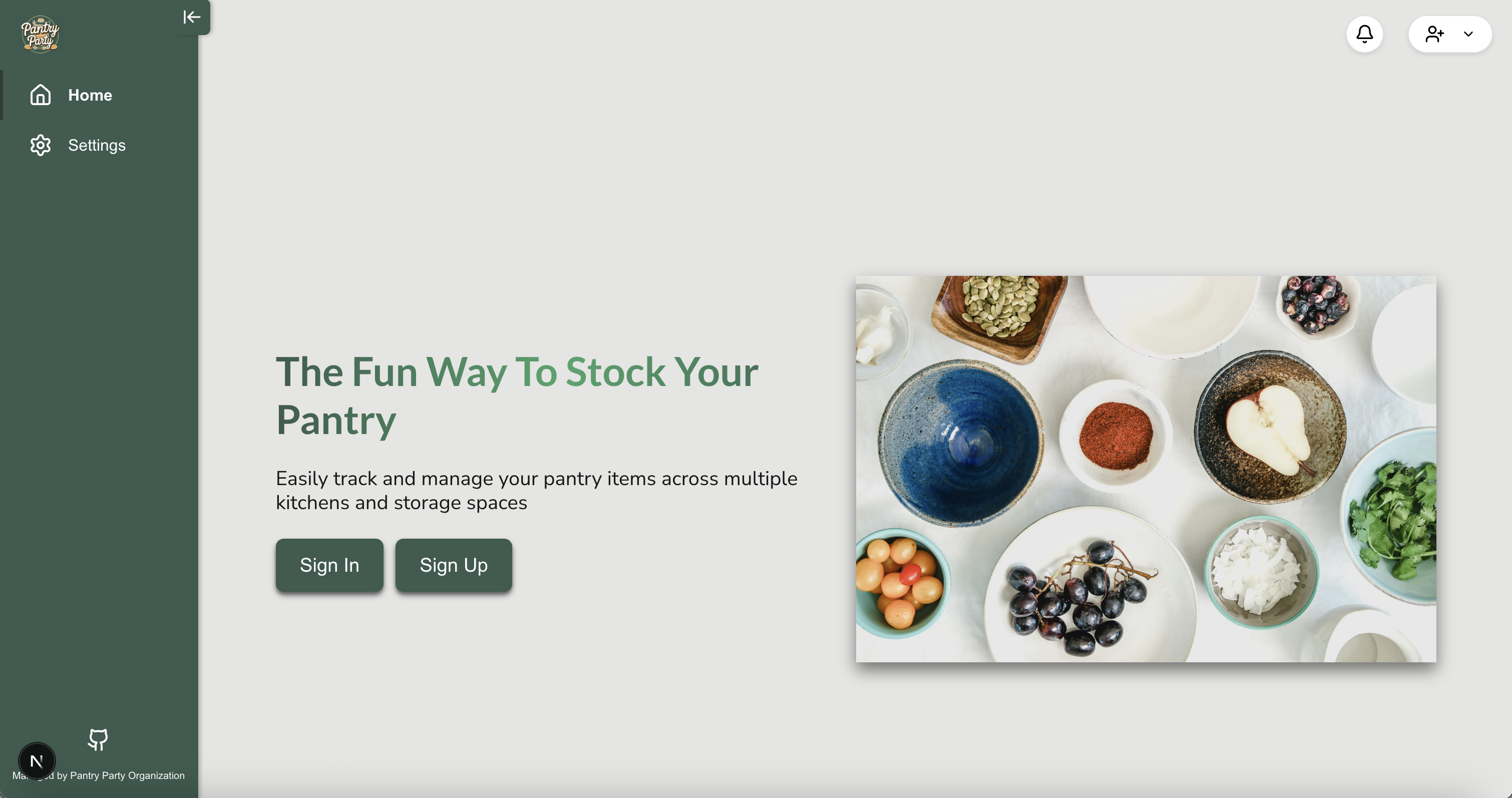
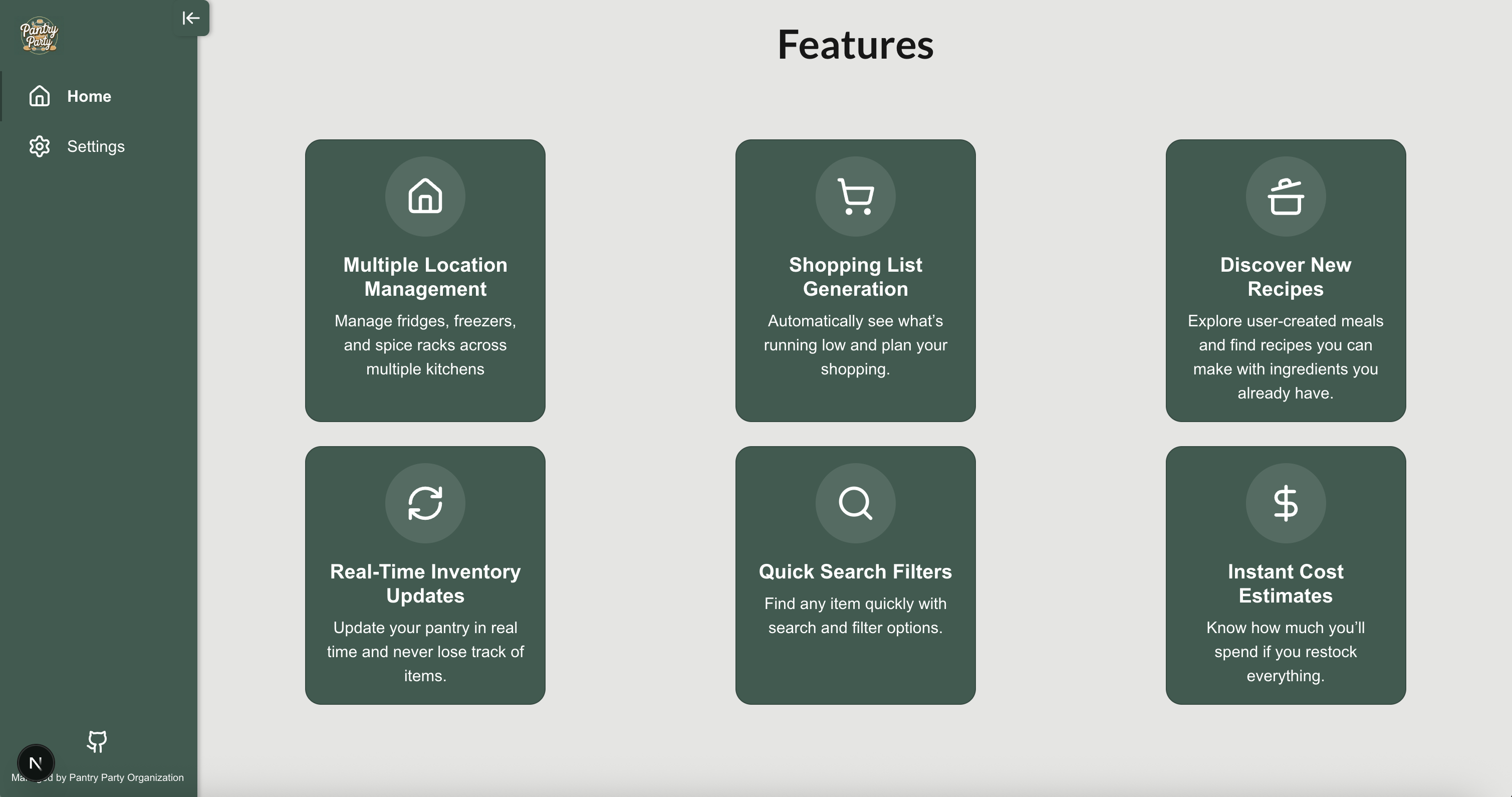
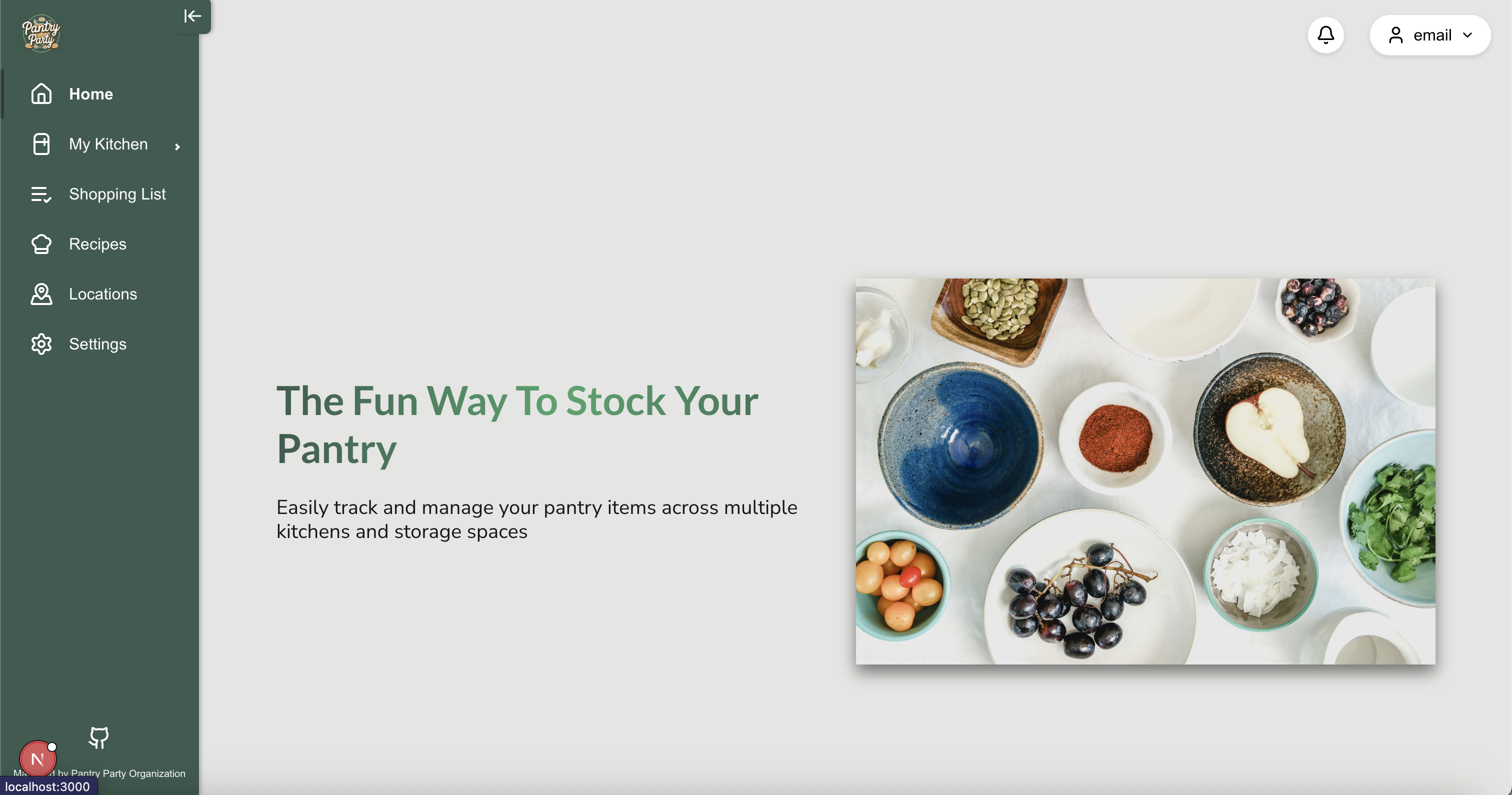
Here is what the landing page looks like when a user signs in:
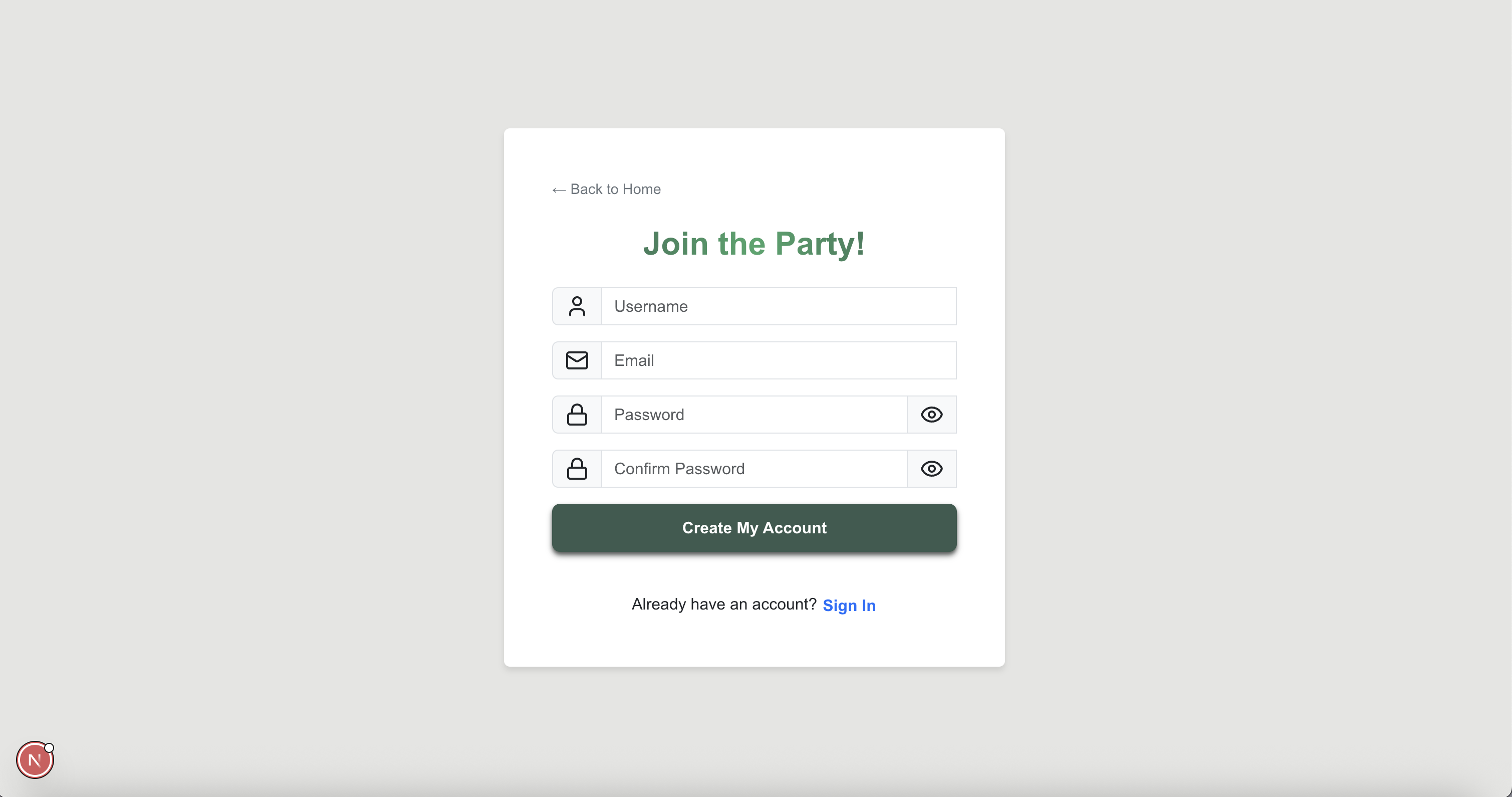
Sign up Page
Here you can sign up and create an account to start using Party Pantry!
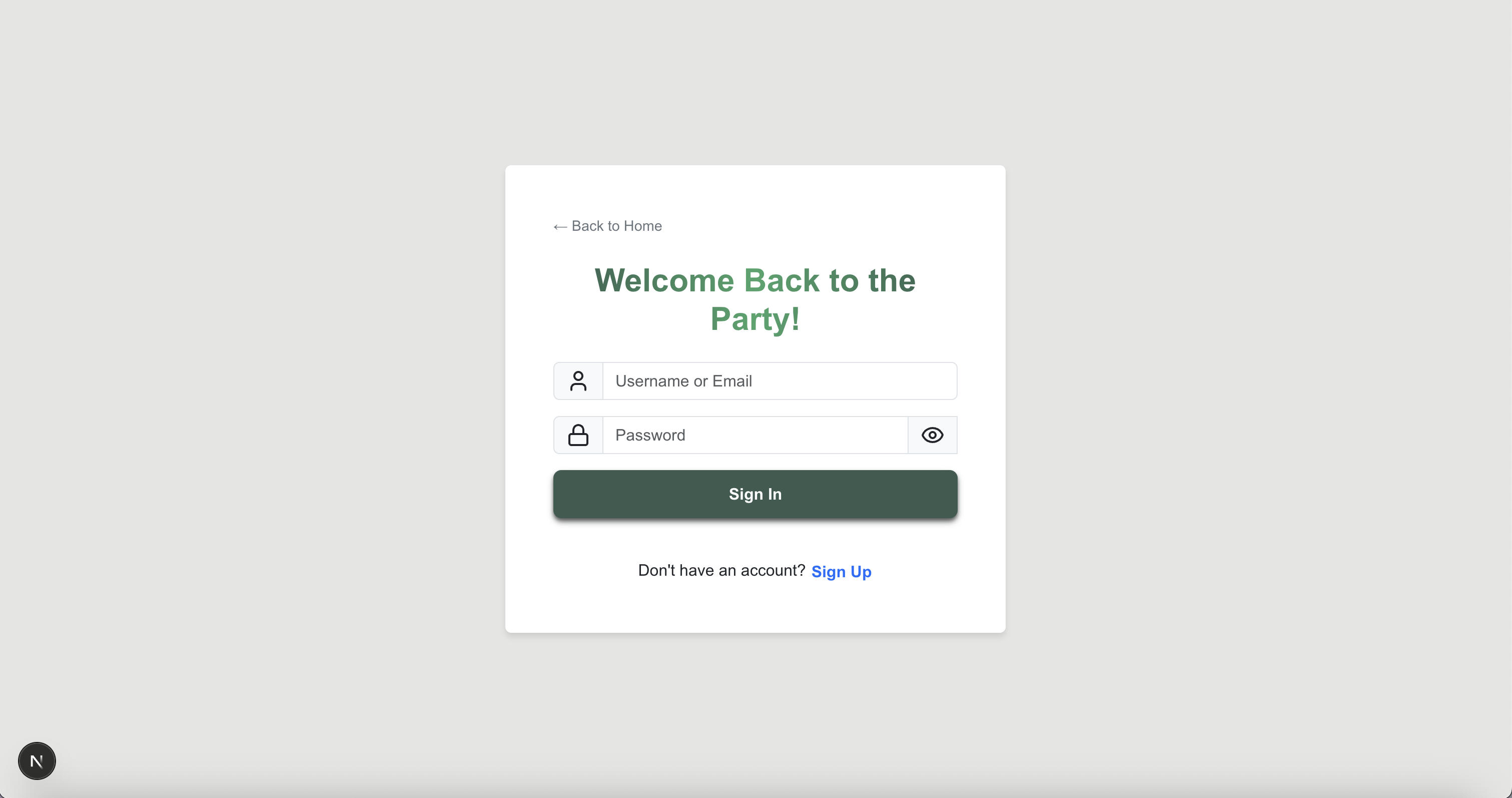
Sign in Page
Here you can sign in to your Party Pantry account.
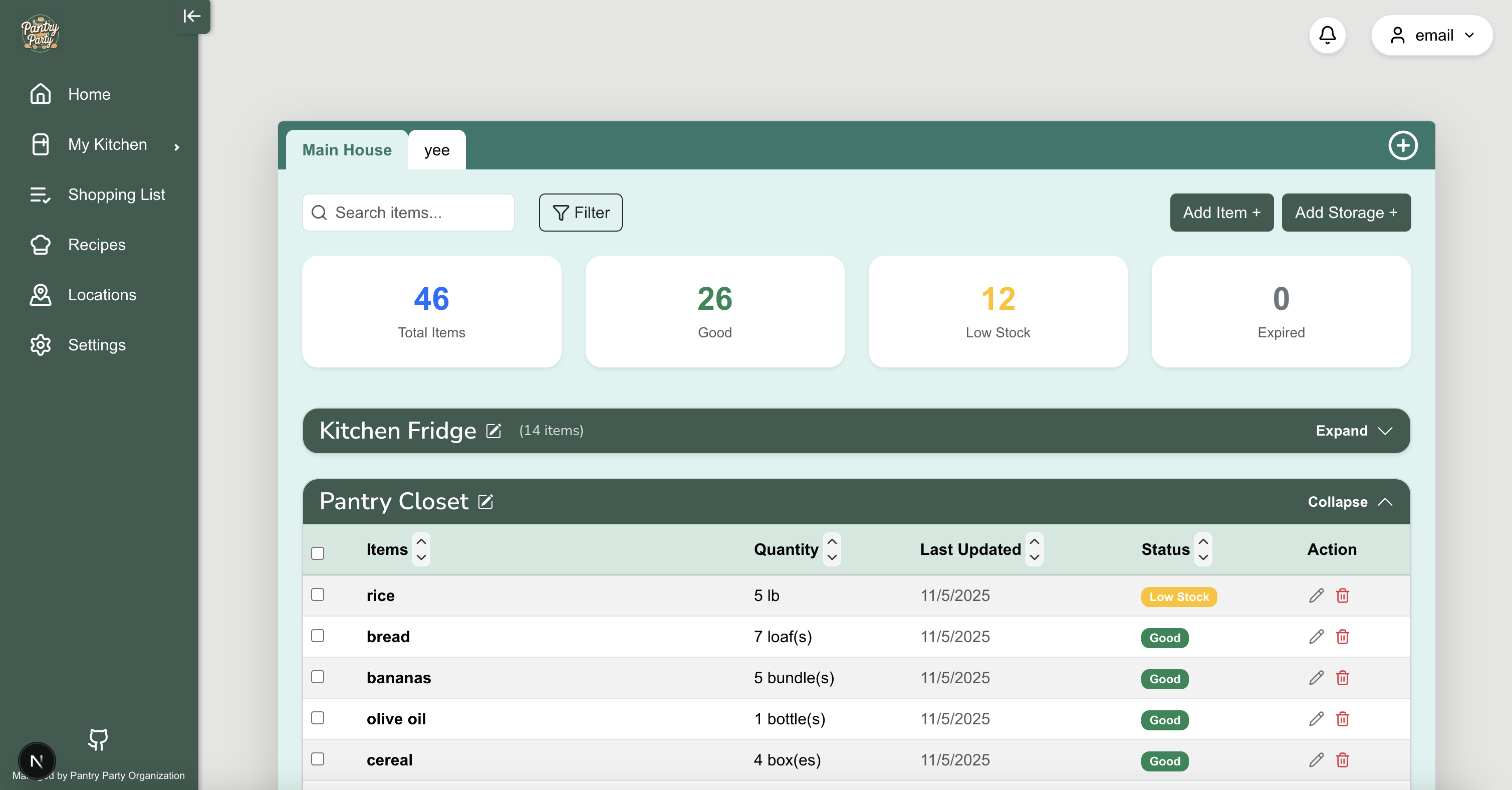
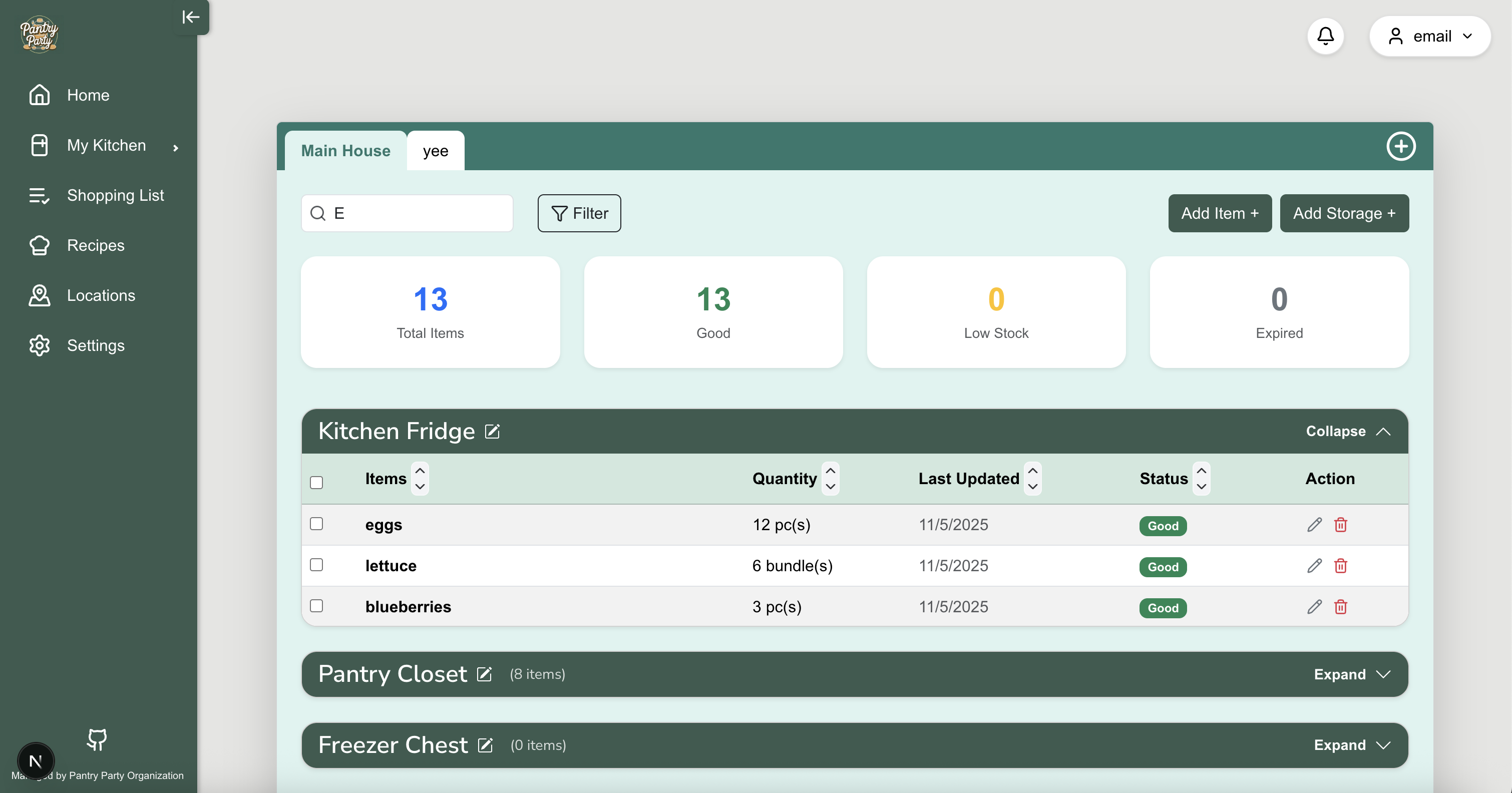
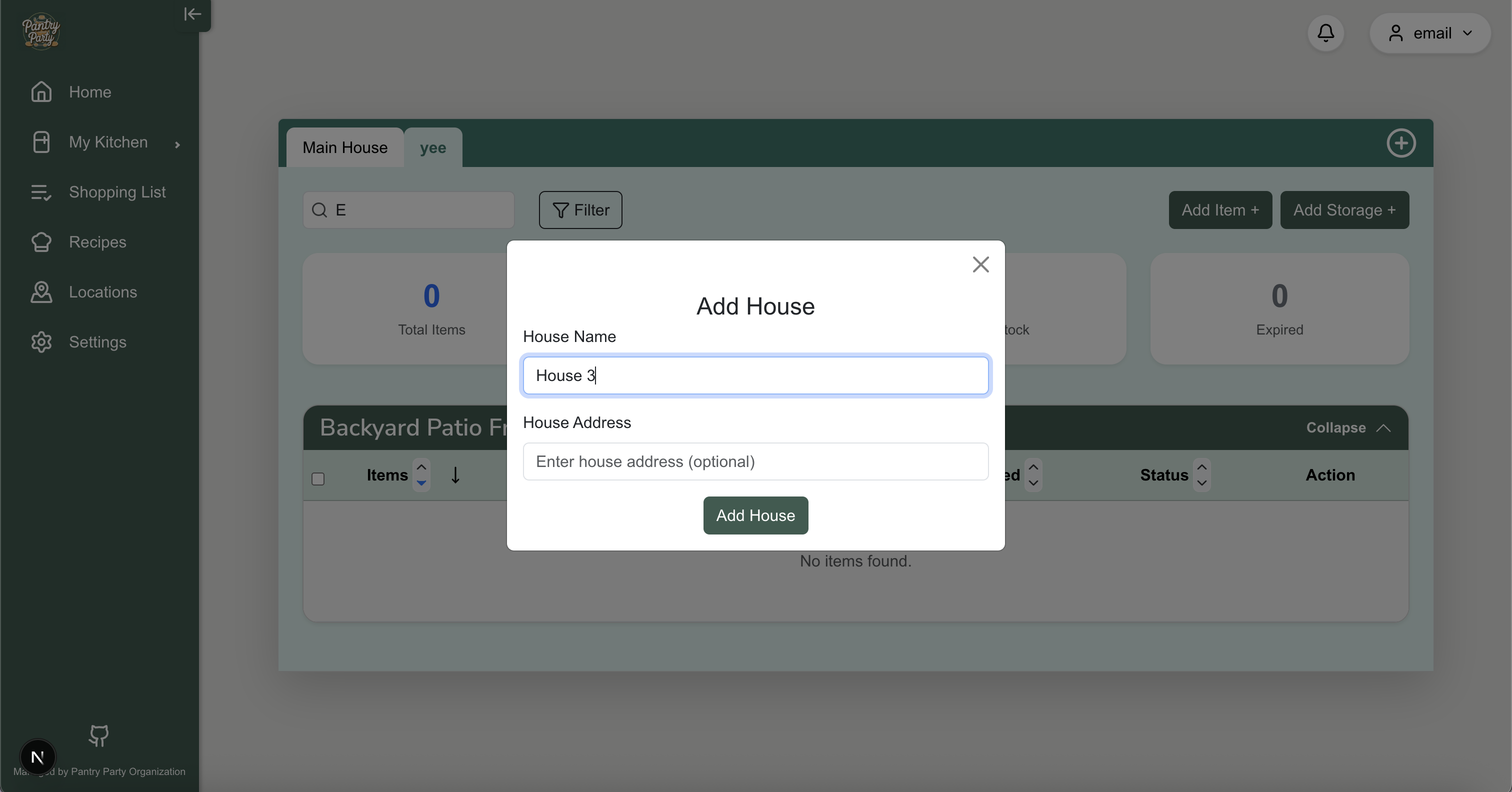
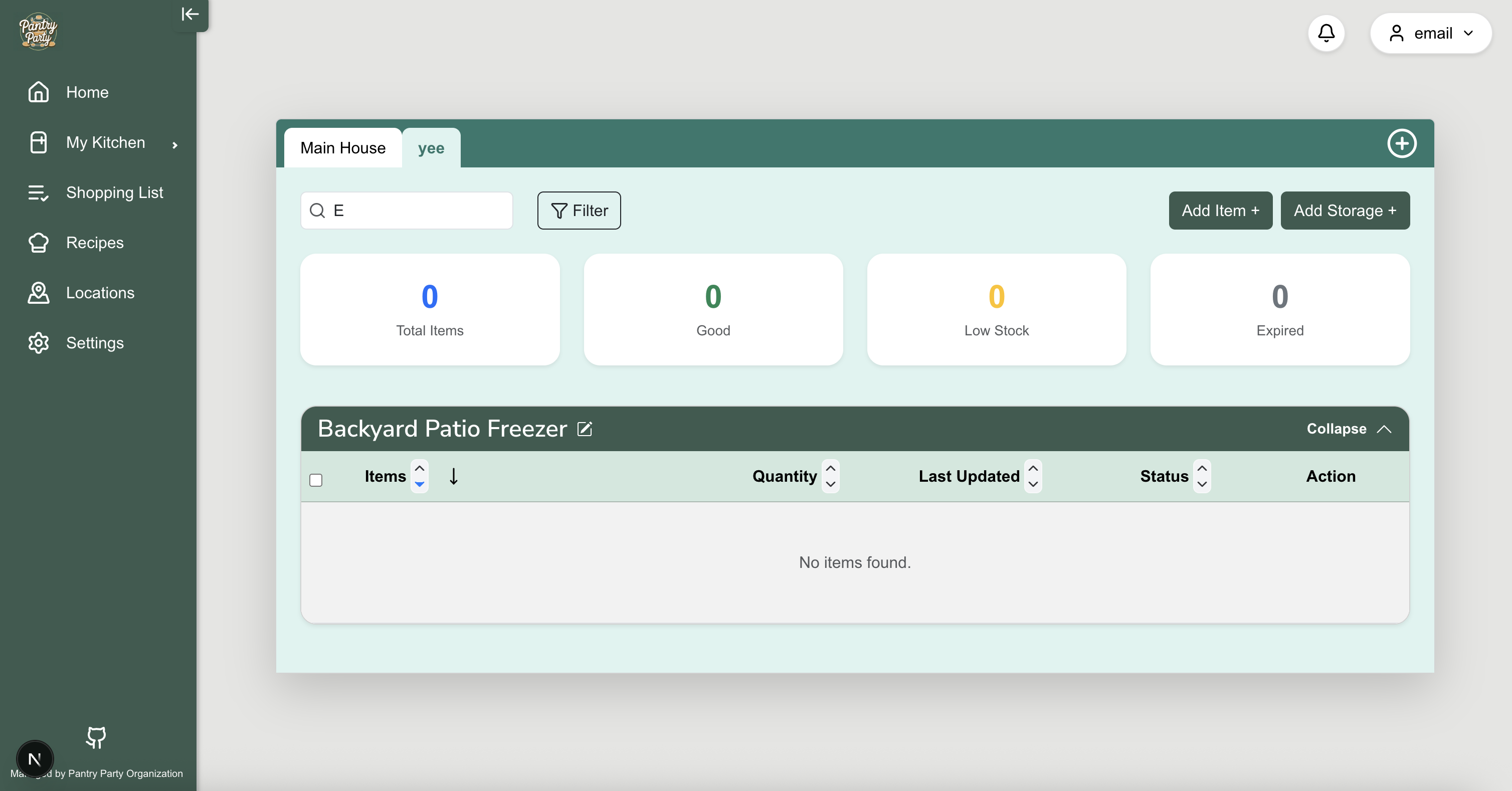
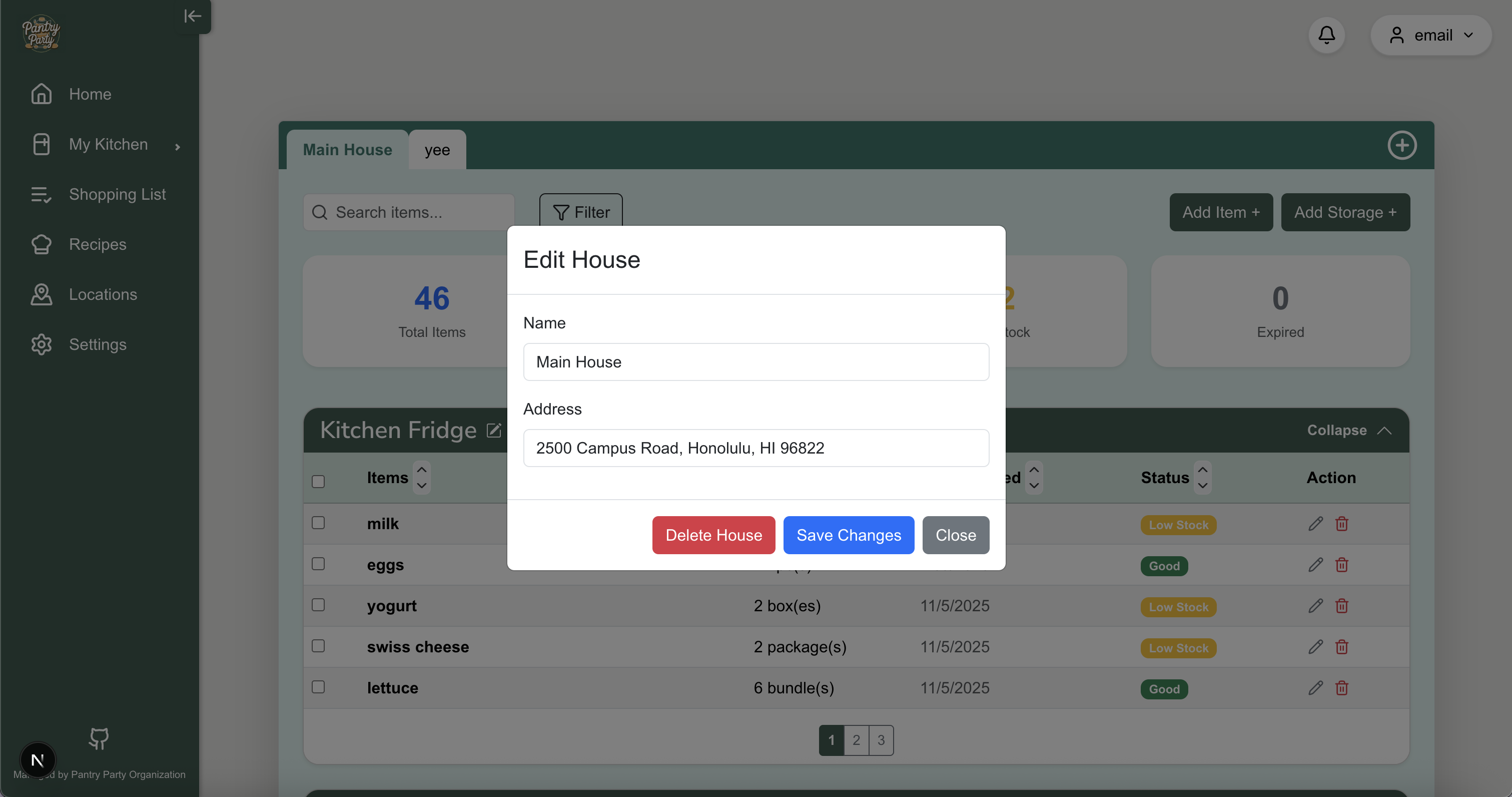
‘My Kitchen’ Page
Once you sign up or sign in, you will be brought to the ‘My Kitchen’ page, where you can see an overview of your kitchen - you will see all of your storage spaces and items.
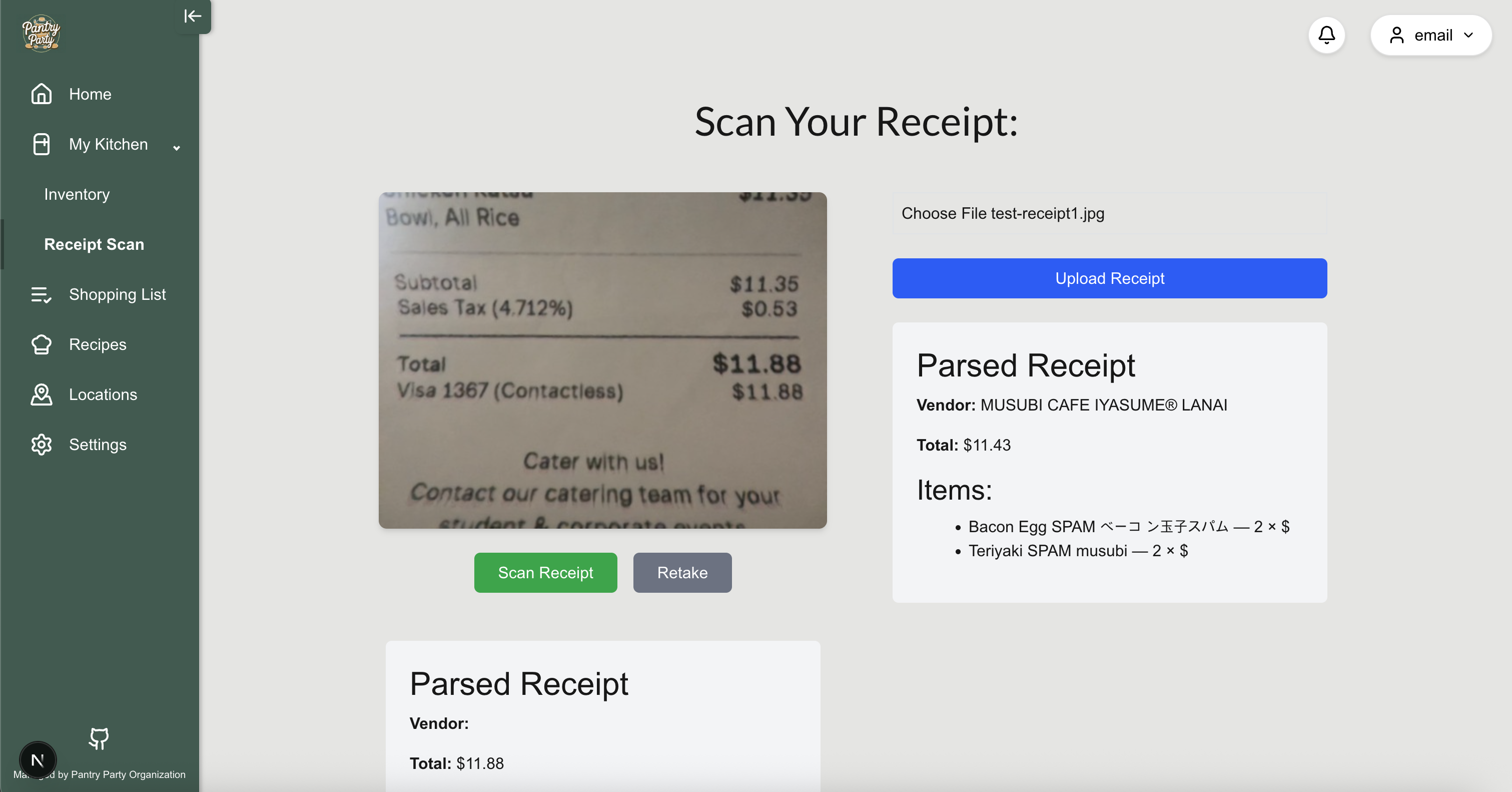
Scan Receipt Page
Users can take a picture of their grocery receipt and have the items automatically added to their pantry inventory. The option to upload a picture of a grocery receipt is also available, enabling the user to mass add grocery items into their inventory space(s). This page shows the receipt that was scanned and the items that were detected from the receipt.
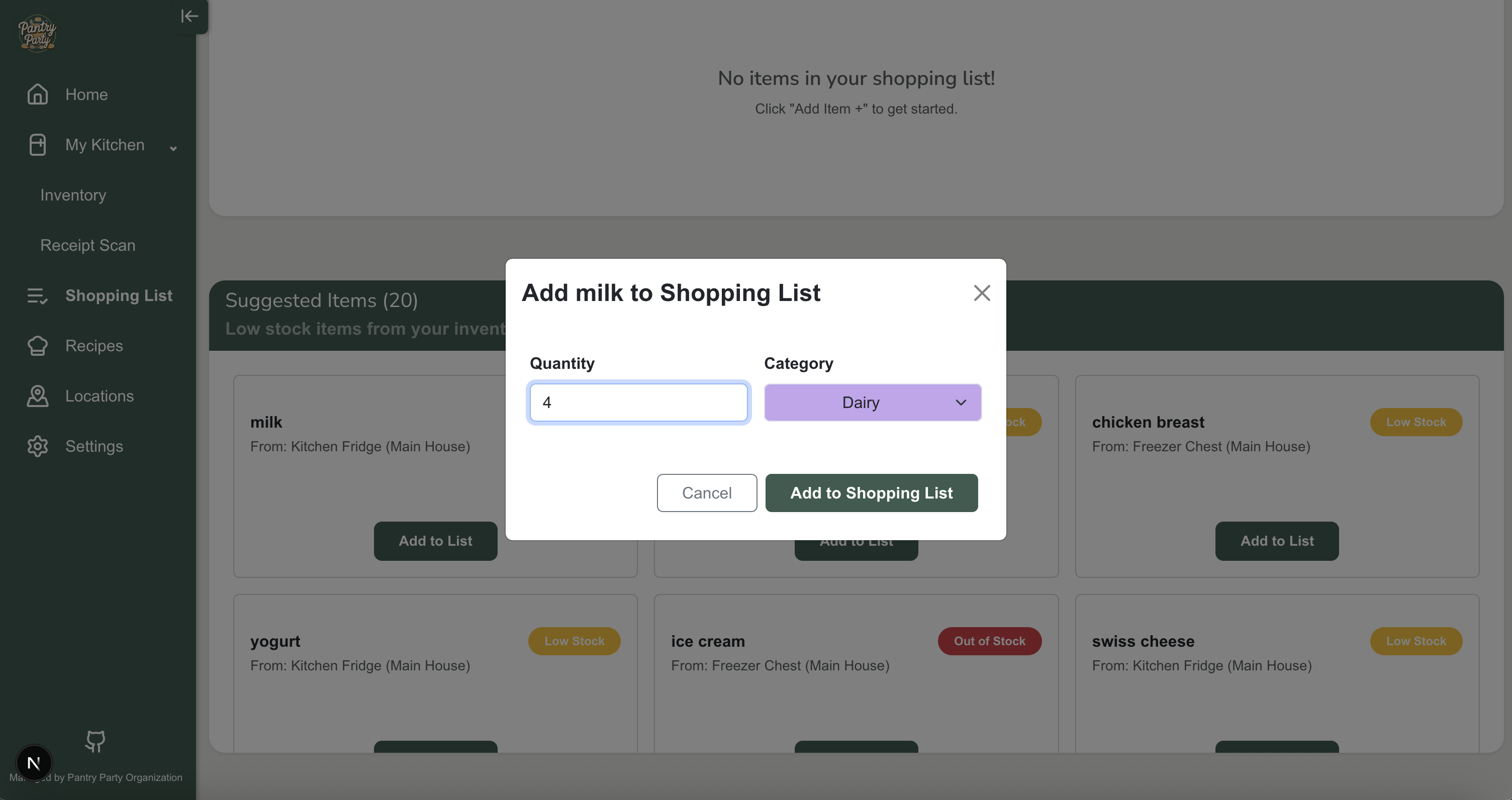
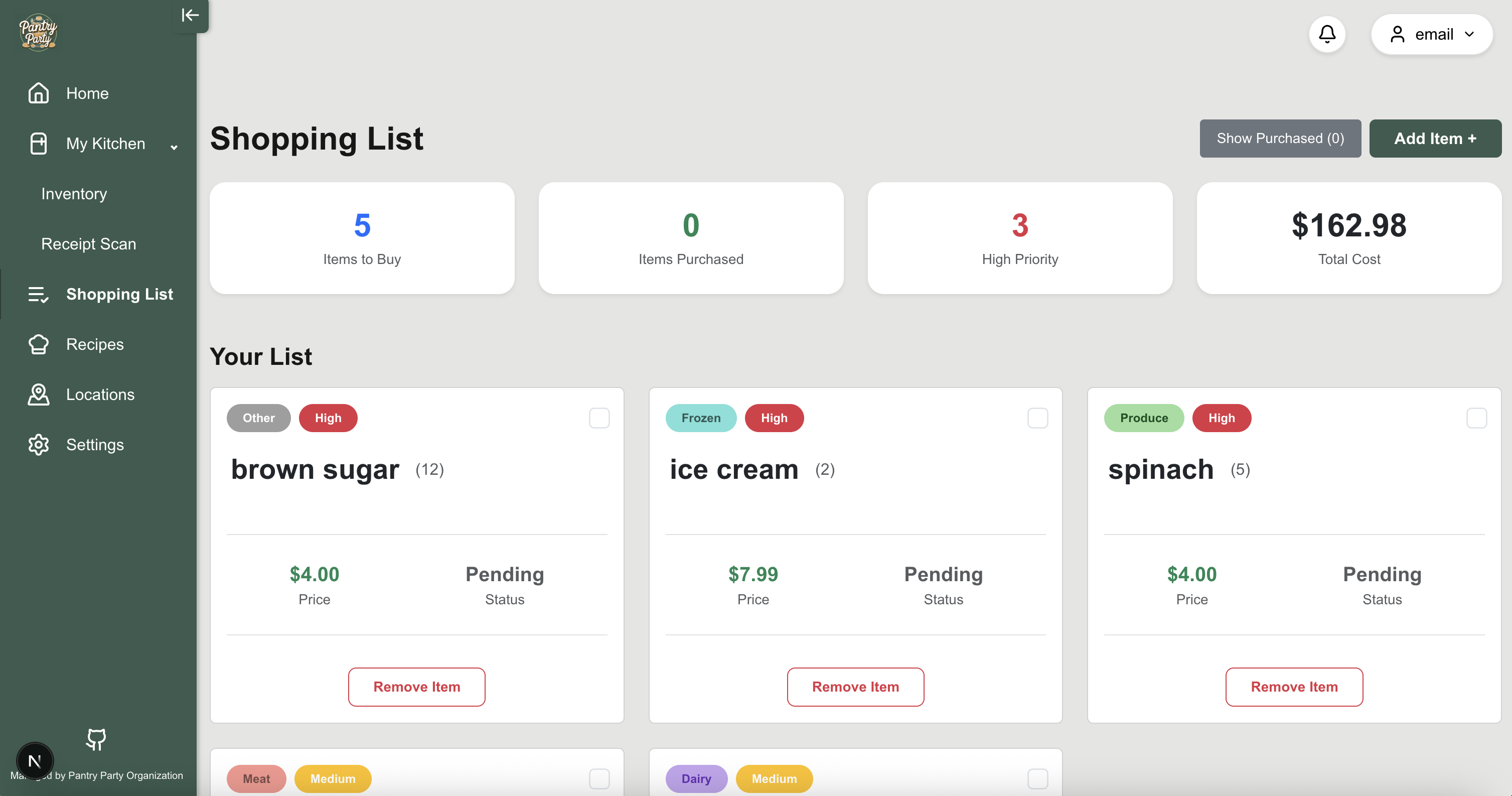
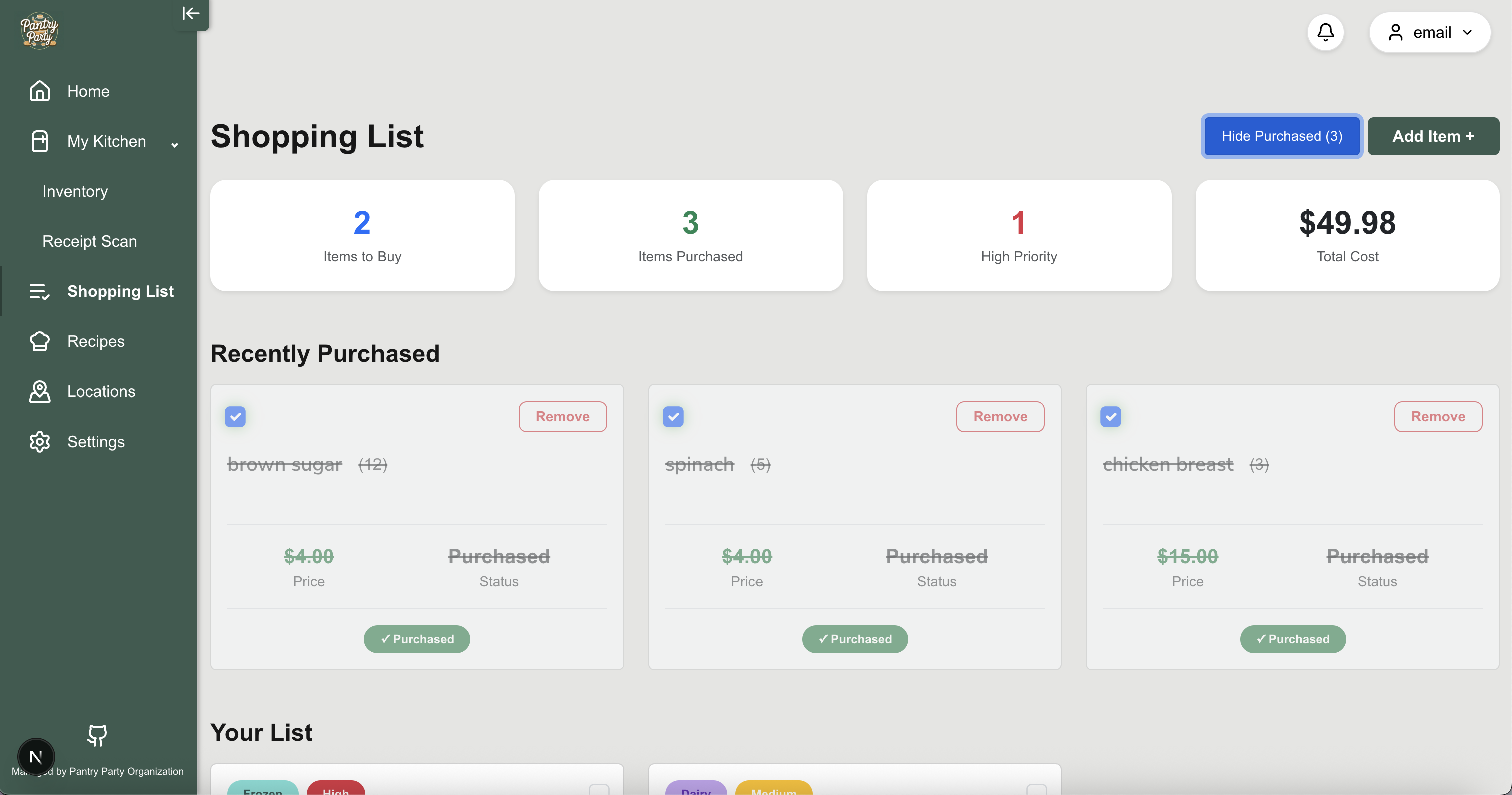
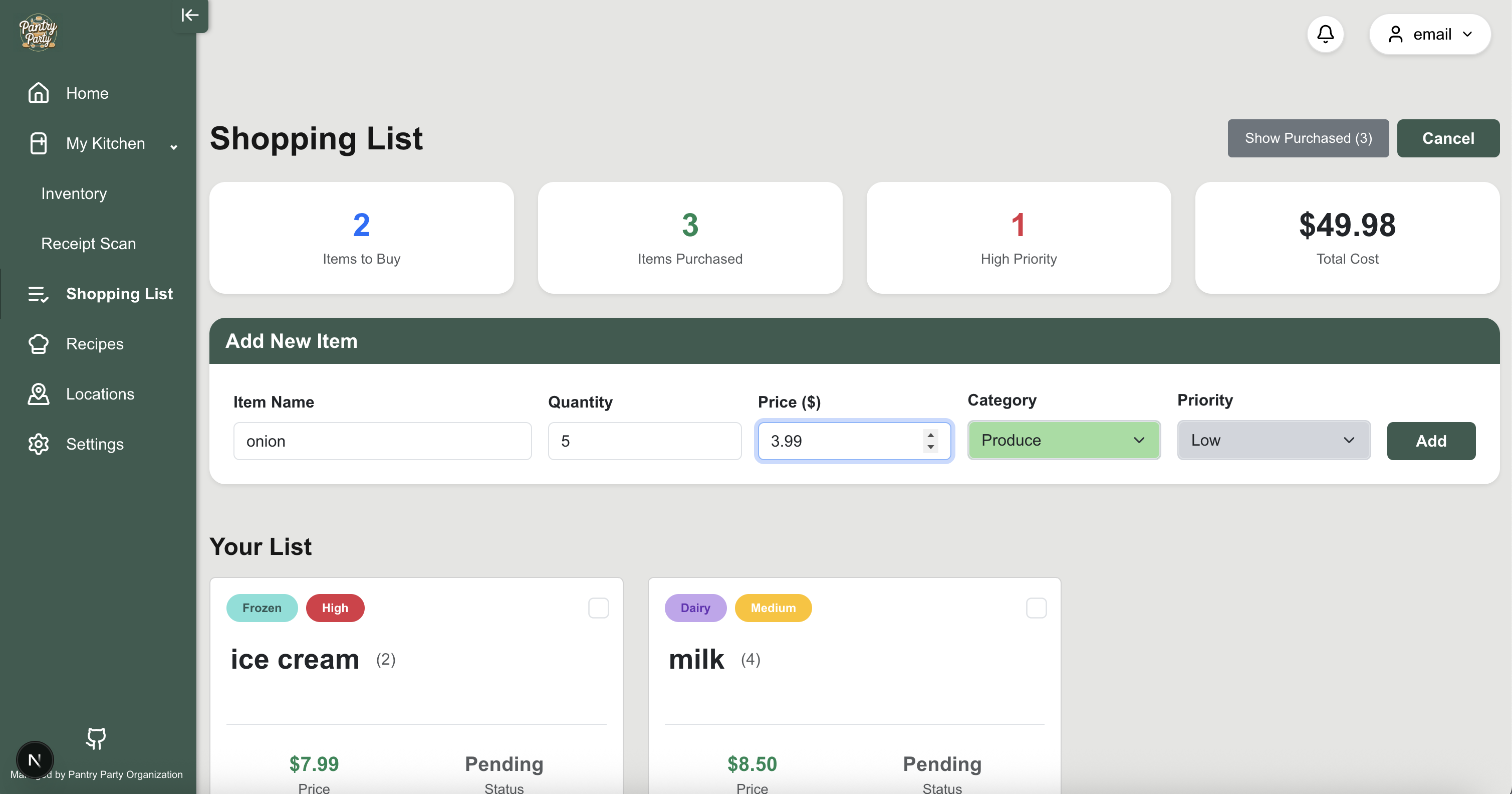
Shopping List
Here you can see a generated shopping list - provided are all the items you are out of or running low on. You will also see a total amount of money that is predicted that you will have to spend if you buy all of the items on the shopping list.
Recipes Page
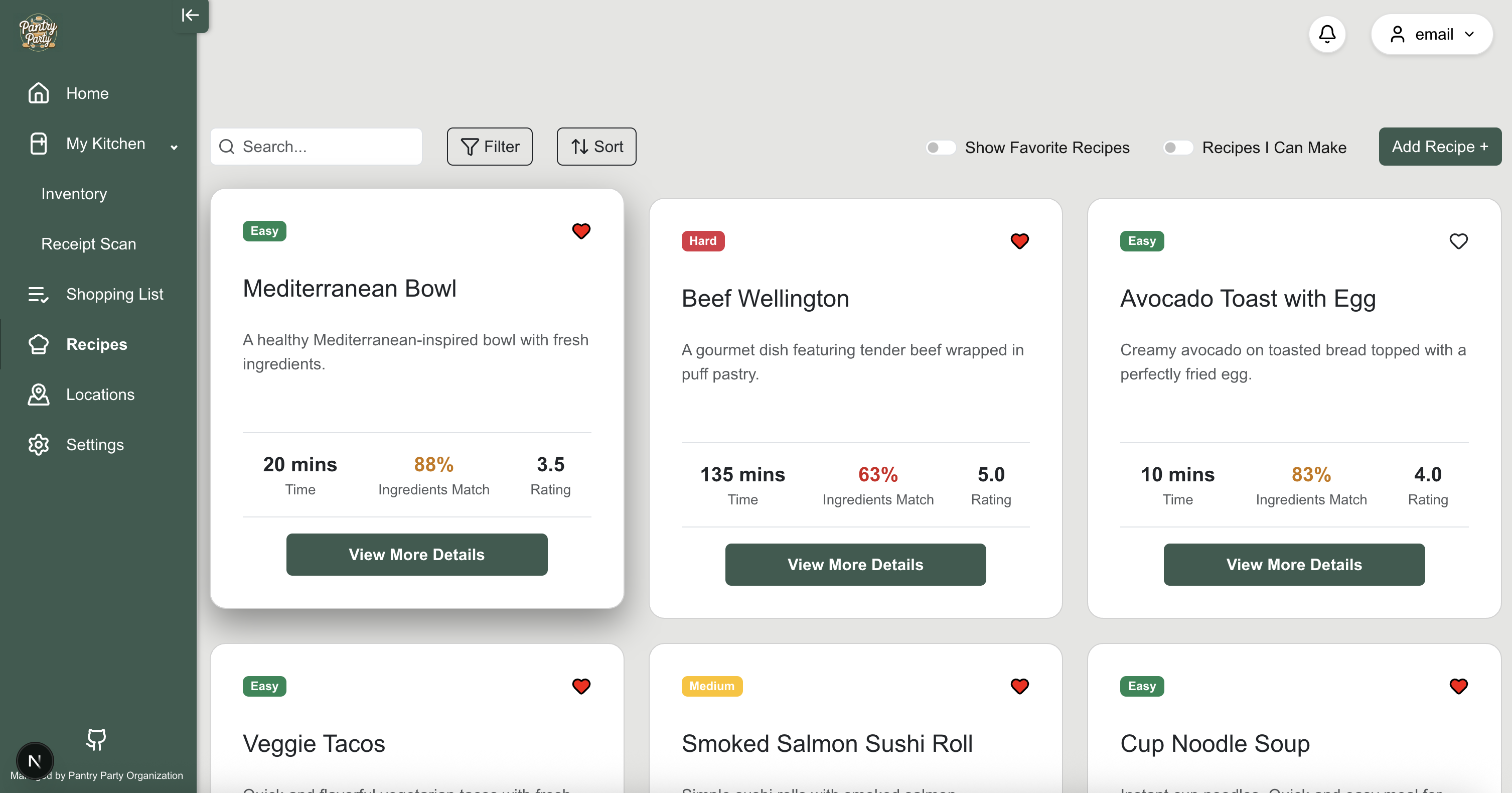
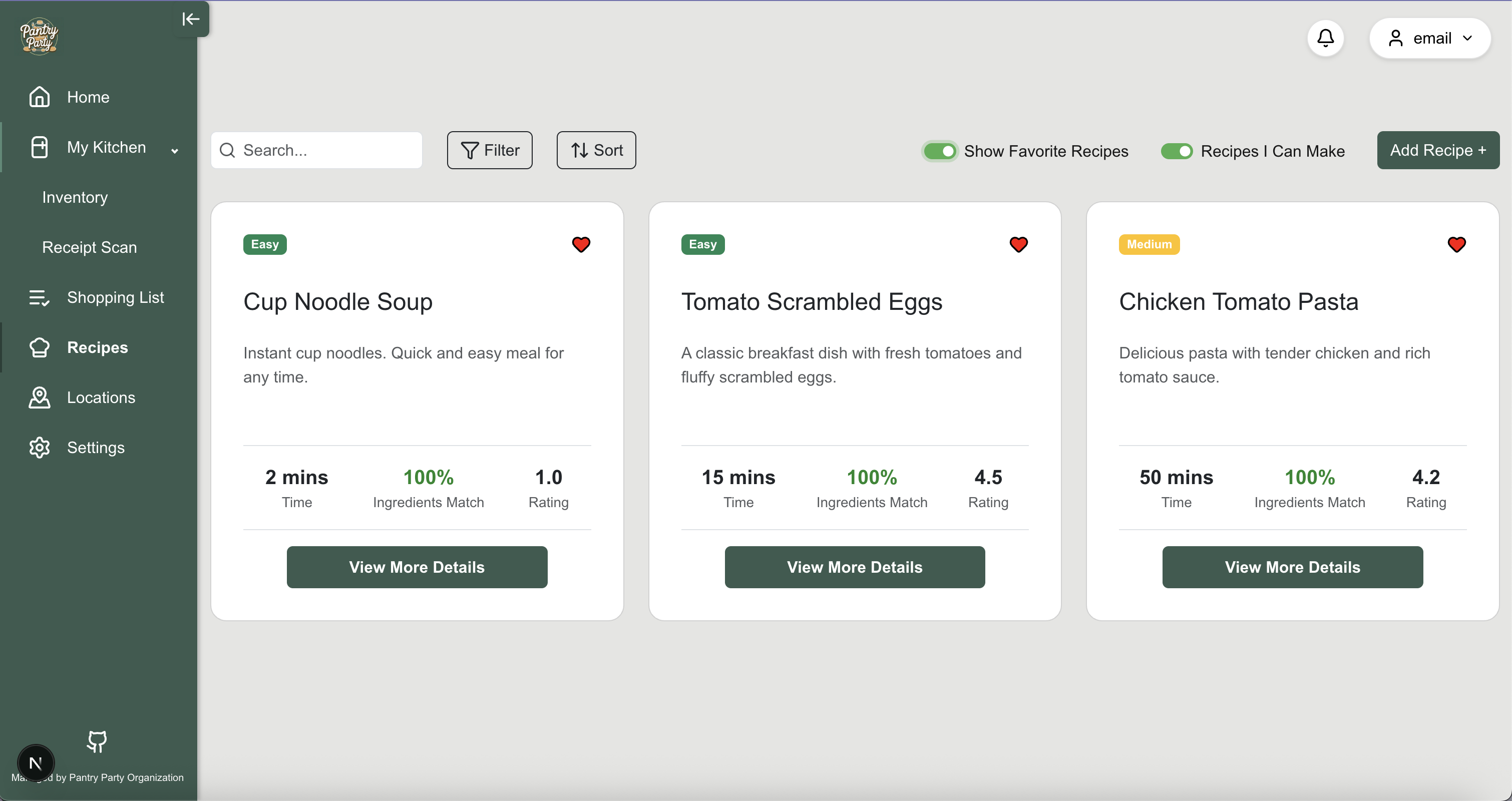
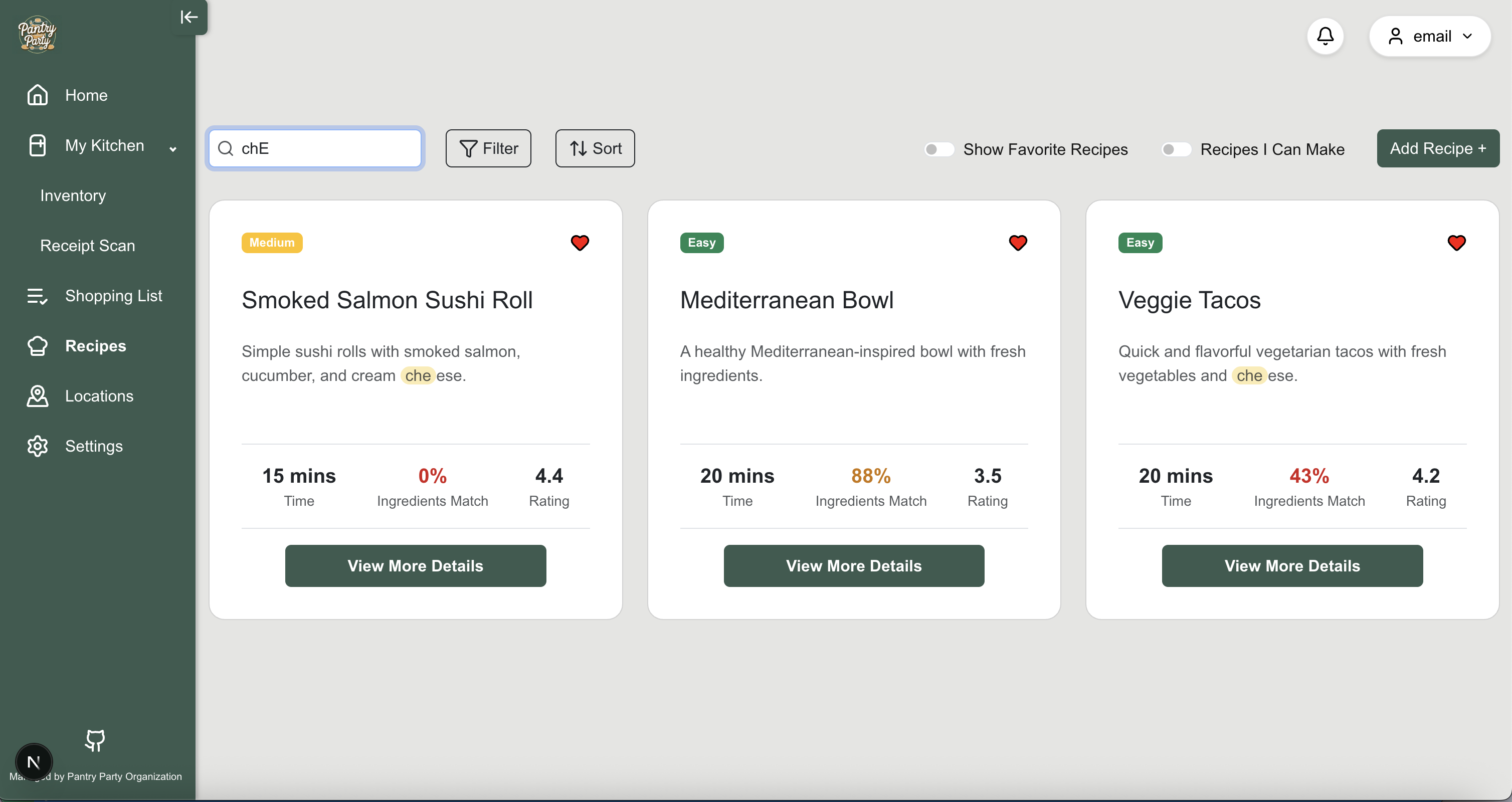
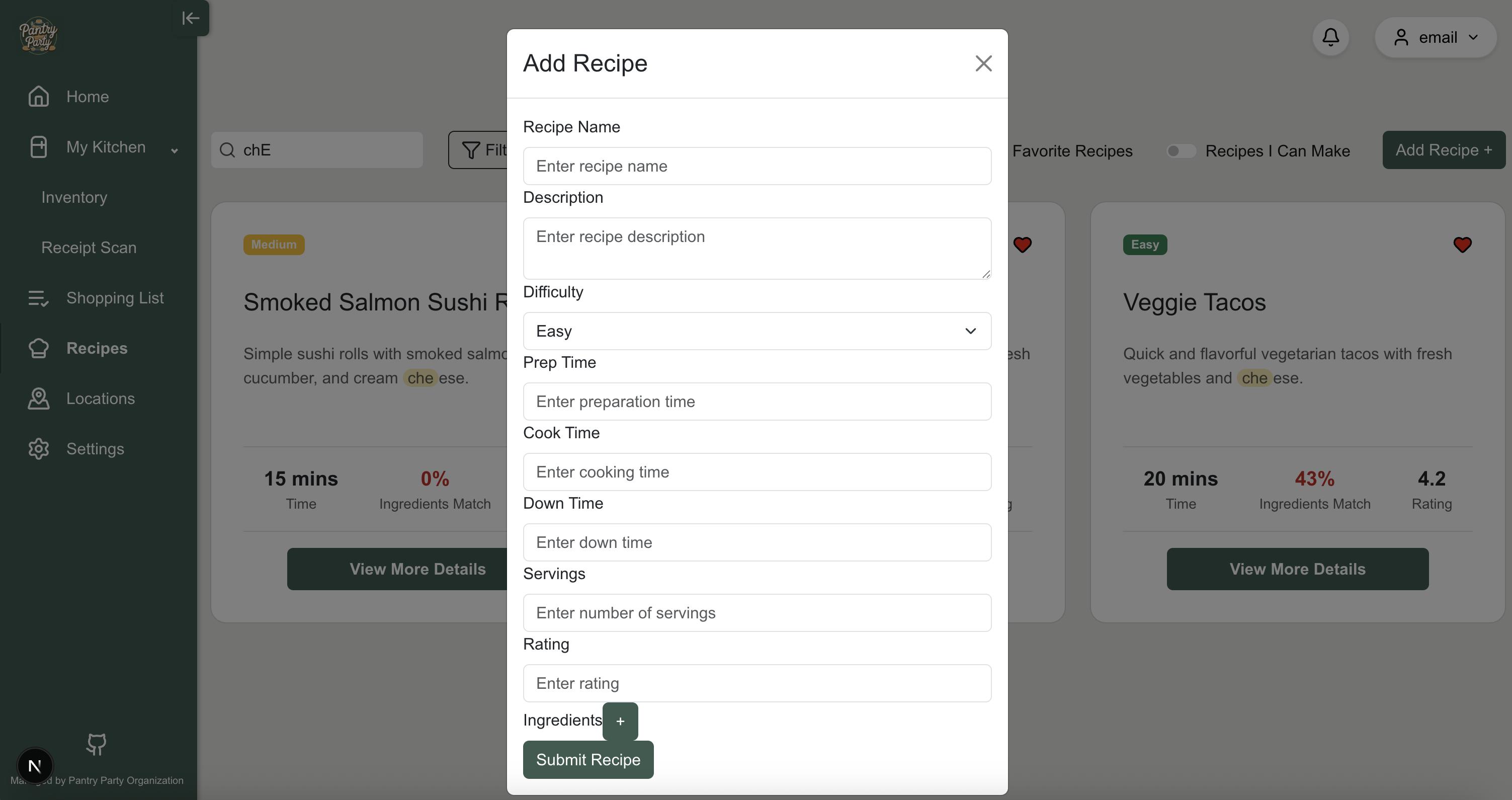
This page shows all of the possible recipes you can make with the ingredients you currently have in your pantry. Any ingredients that are missing to make the recipe can be added to your shopping list in the “Shopping List” page. We are planning to add functionality to add in your own custom recipes.
Recipes Page
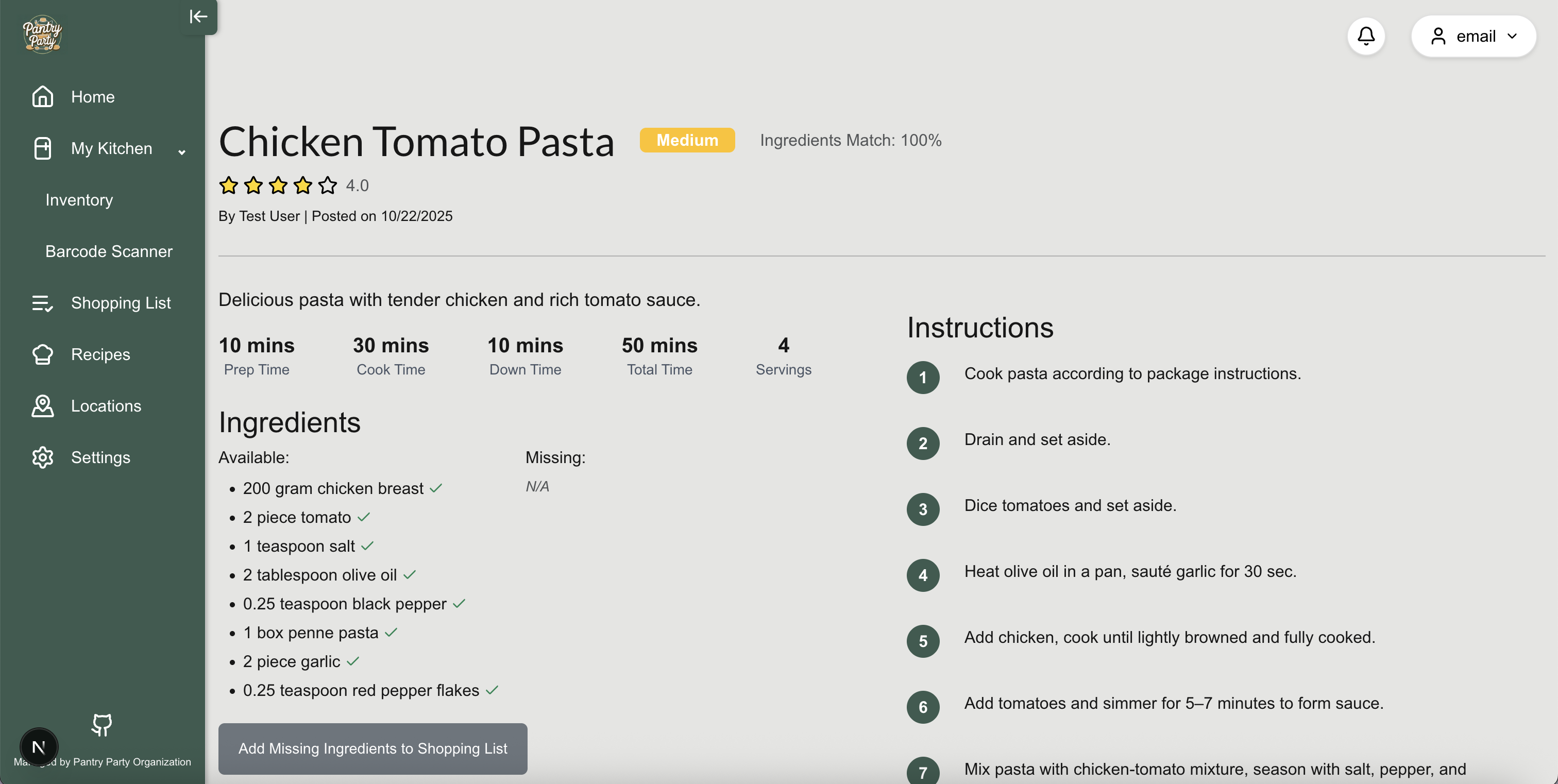
This page shows all of the information for a specific receipe when a user clicks on “View Details” on the Recipes page. This includes ingredients needed, instructions, and nutrition facts. Users can also add missing ingredients to their shopping list from this page.
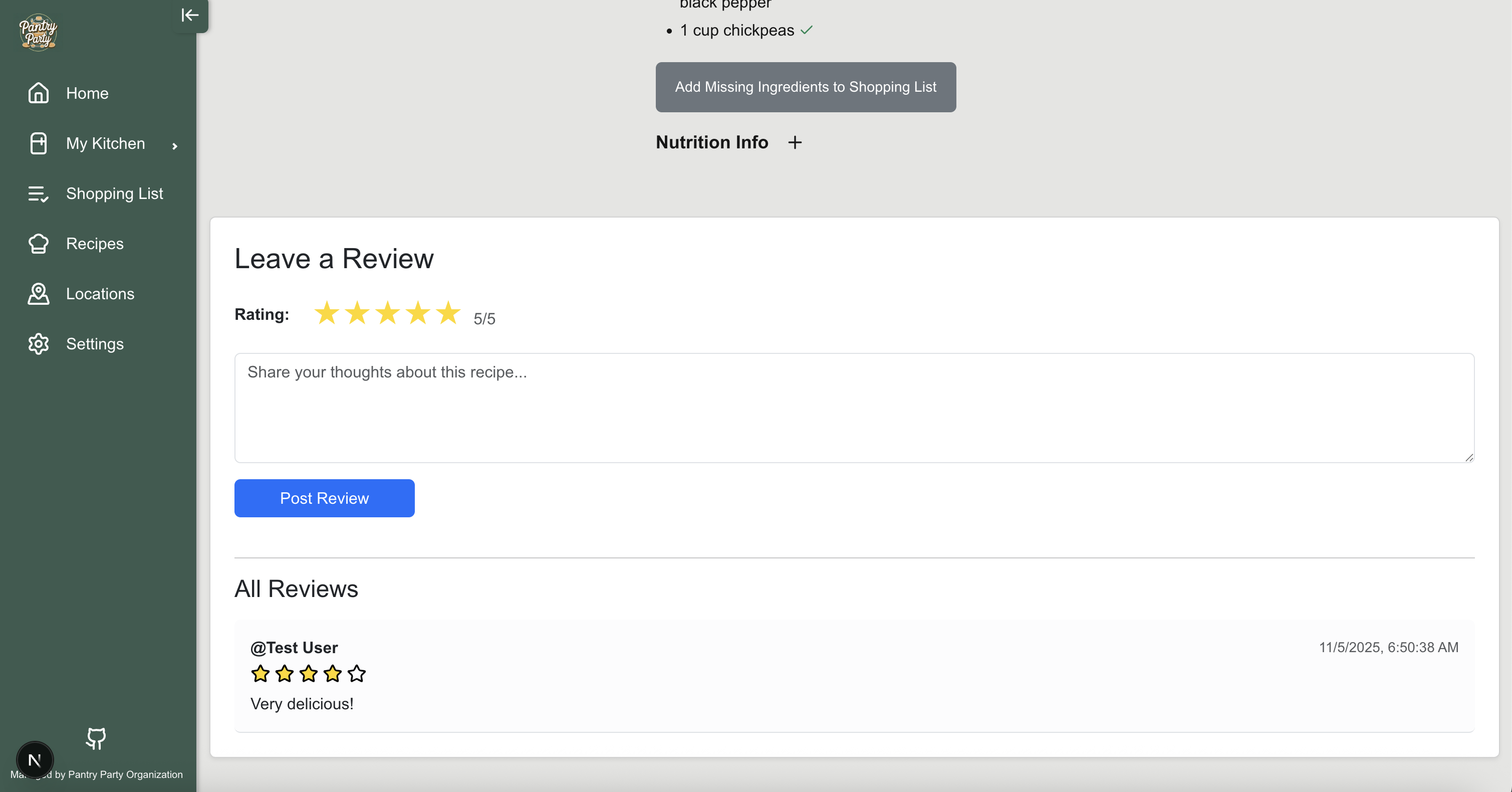
You can also write and leave reviews for recipes on this page! This will allow users to share their thoughts and experiences with others who may want to try the recipe.
Start Cooking Page
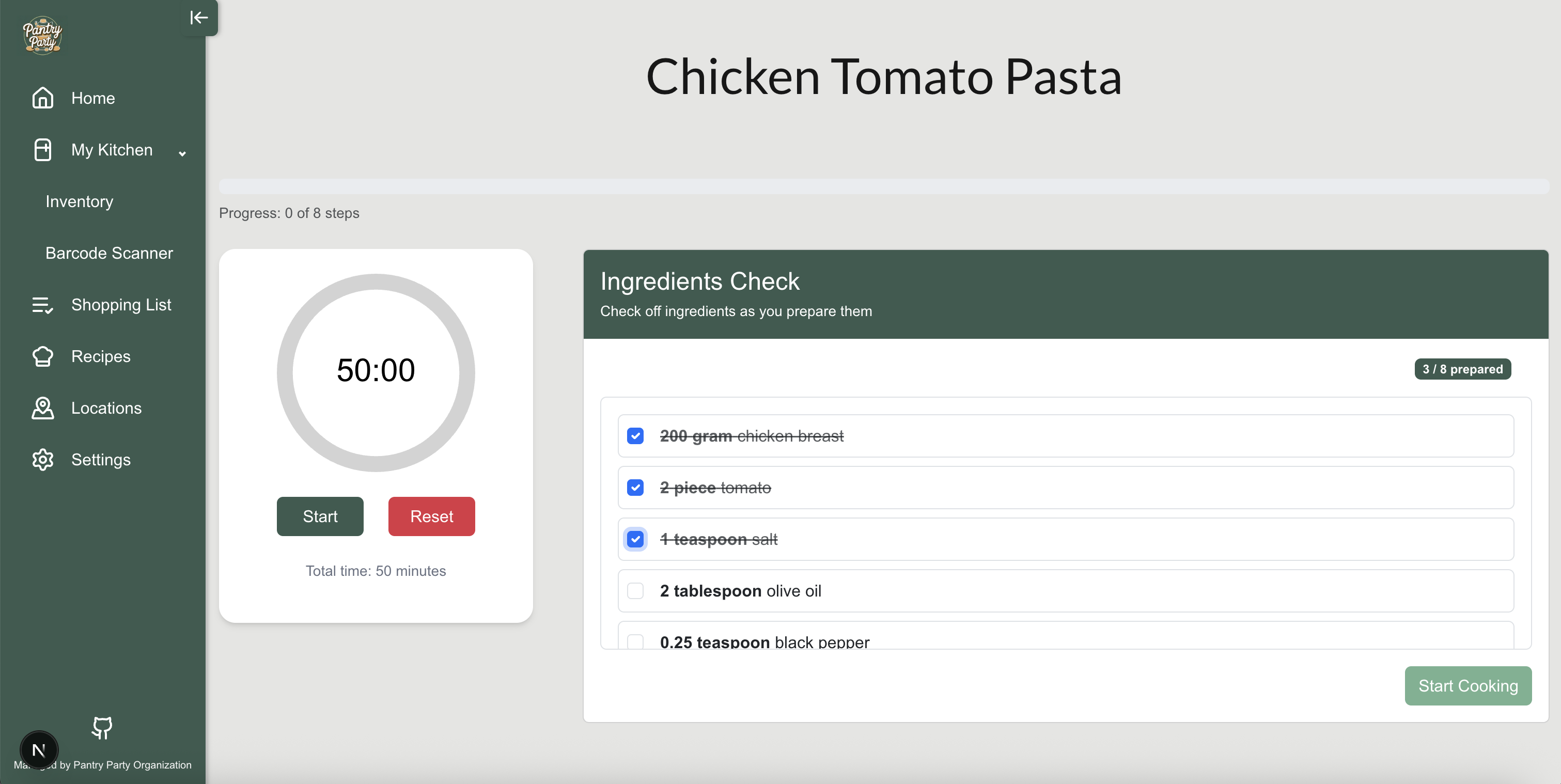
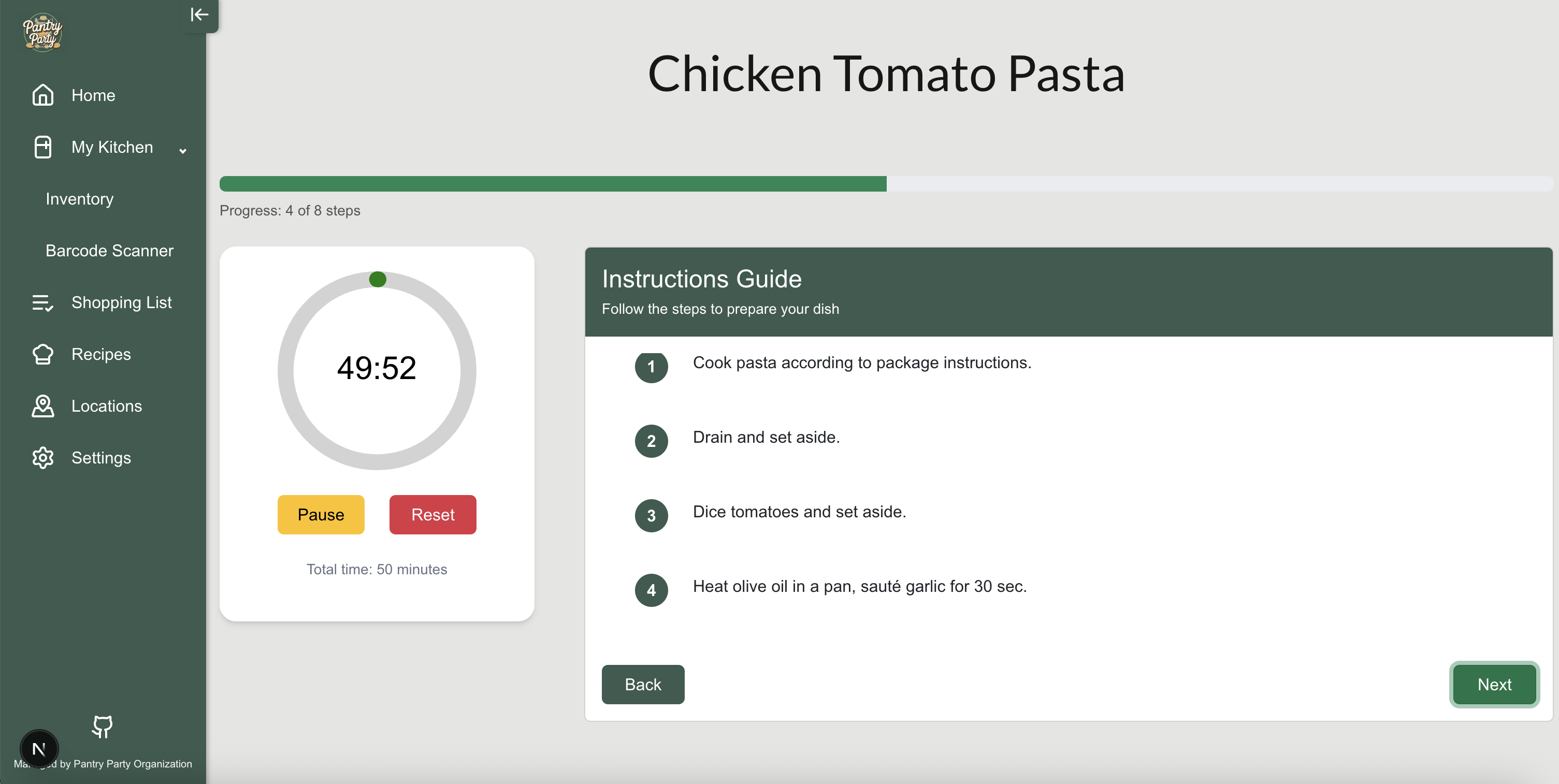
This page shows a checklist of the ingredients for a recipe and a step-by-step instructions guide to make the recipe. Users can check off ingredients and steps as they go. There is also a timer feature for the user for steps that require waiting or specific cook times.
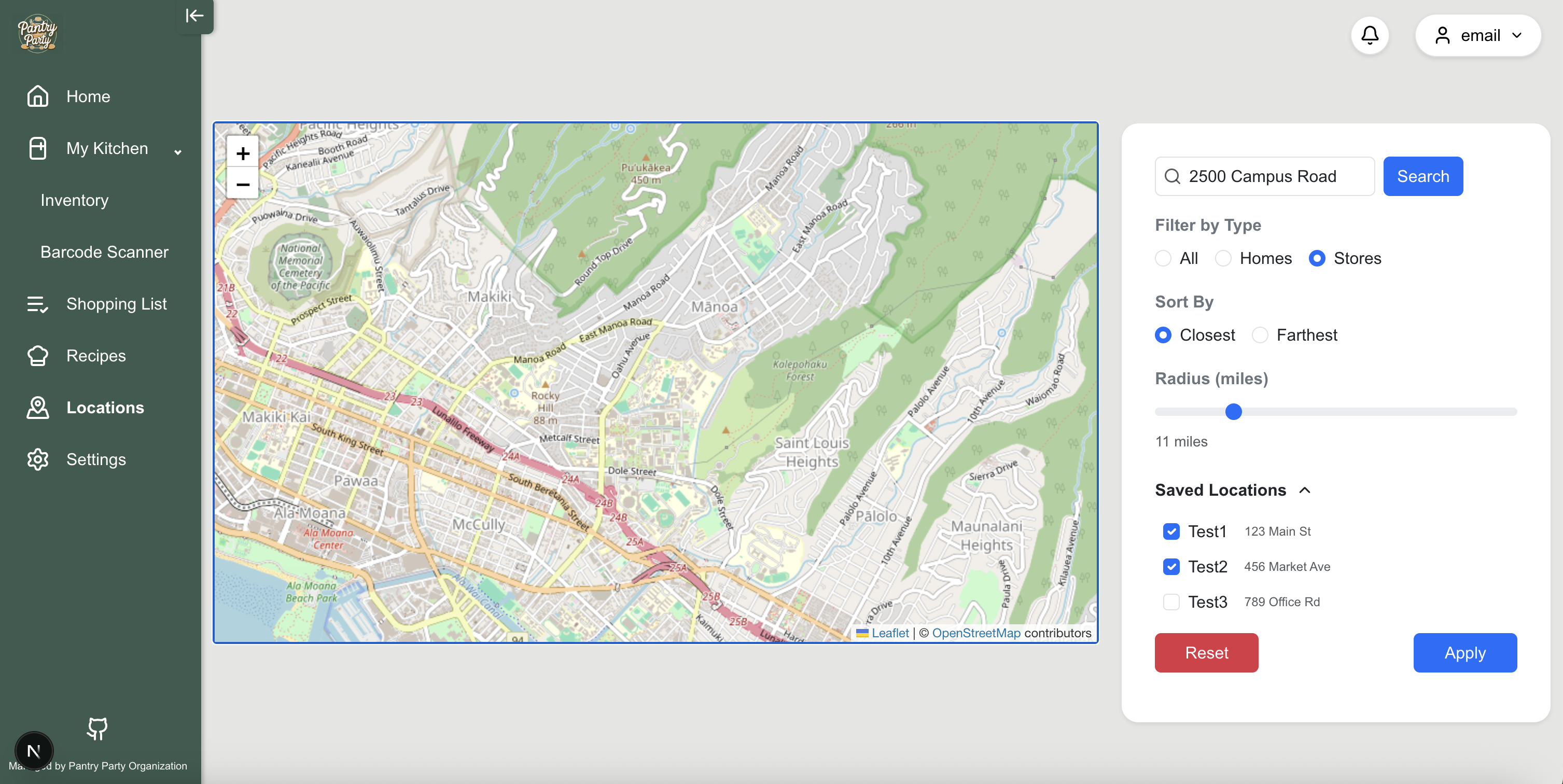
Locations Page
This page shows a Google Maps view of the user’s current location and nearby grocery stores/markets where they can shop for items on their shopping list. The map can be filtered to stores and homes (i.e. locations containing pantries) to show only those locations.
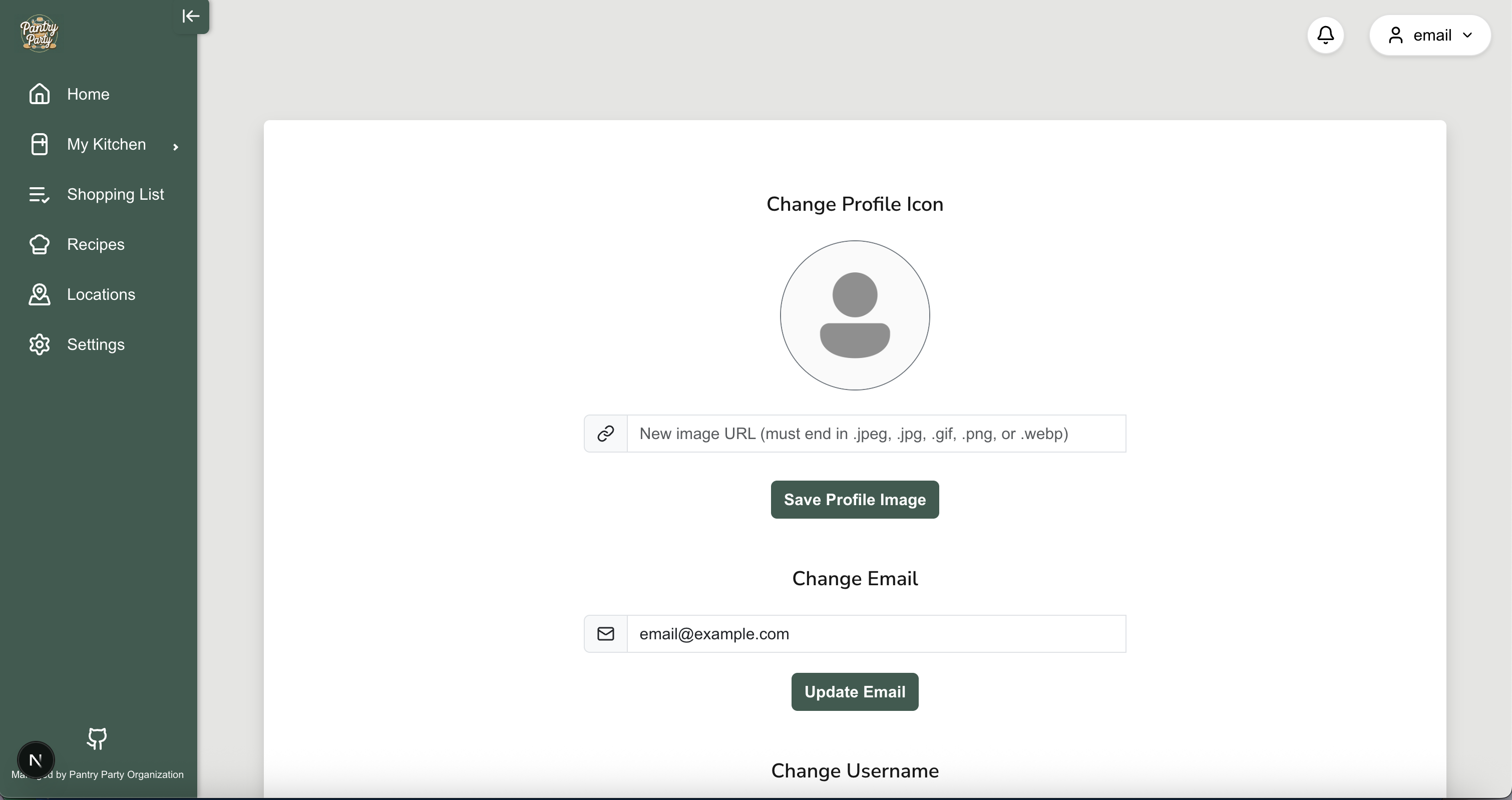
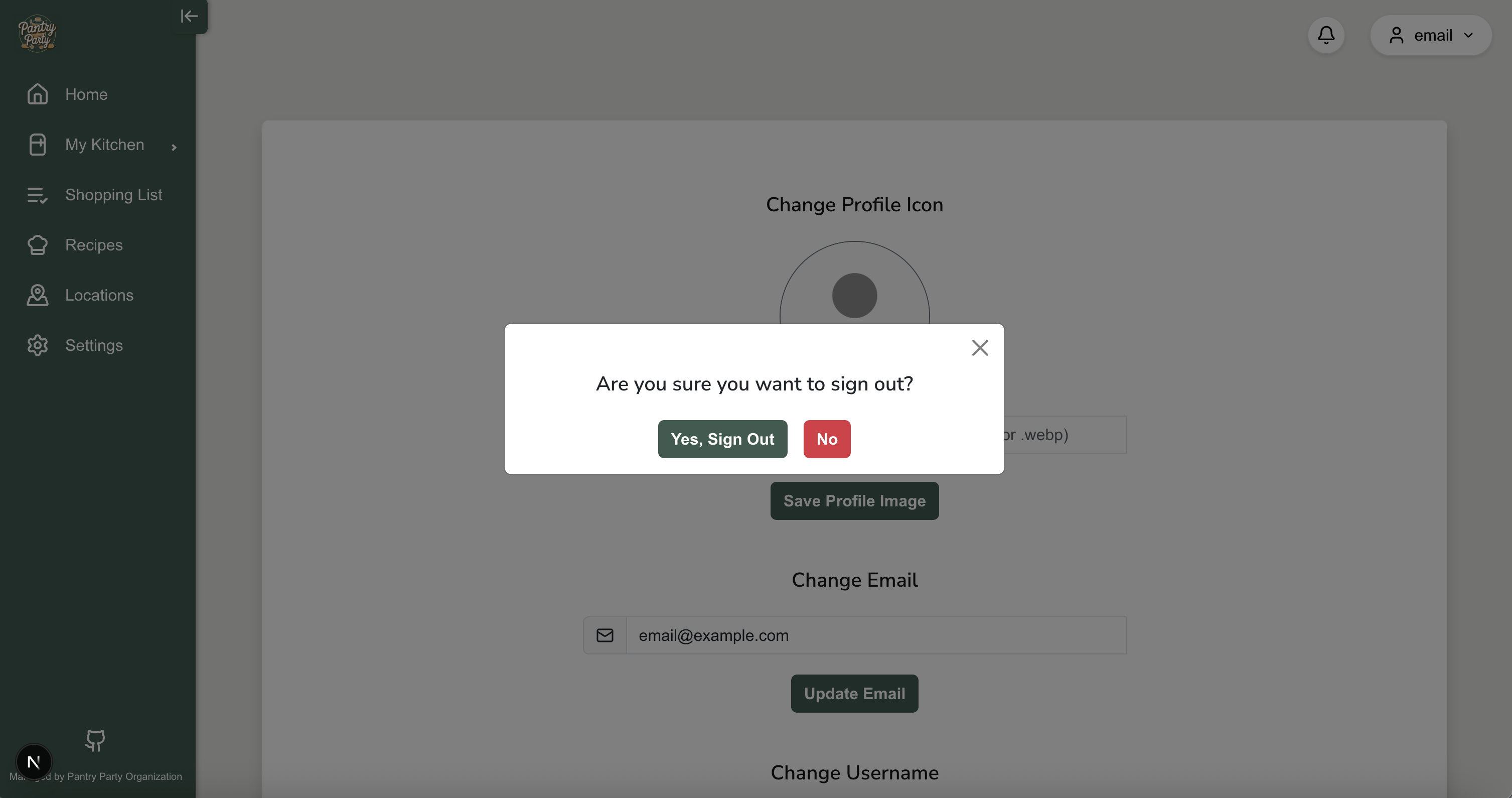
User Settings and Logout Popups
A user can change their password and logout from their profile with these pop-up windows.
Development History
The following describes the process of building the app from the design process to code implementation and deployment. Our progress is as follows:
Milestone 1: Identifying Basic User Needs (User Stories) & Mockup Page Development
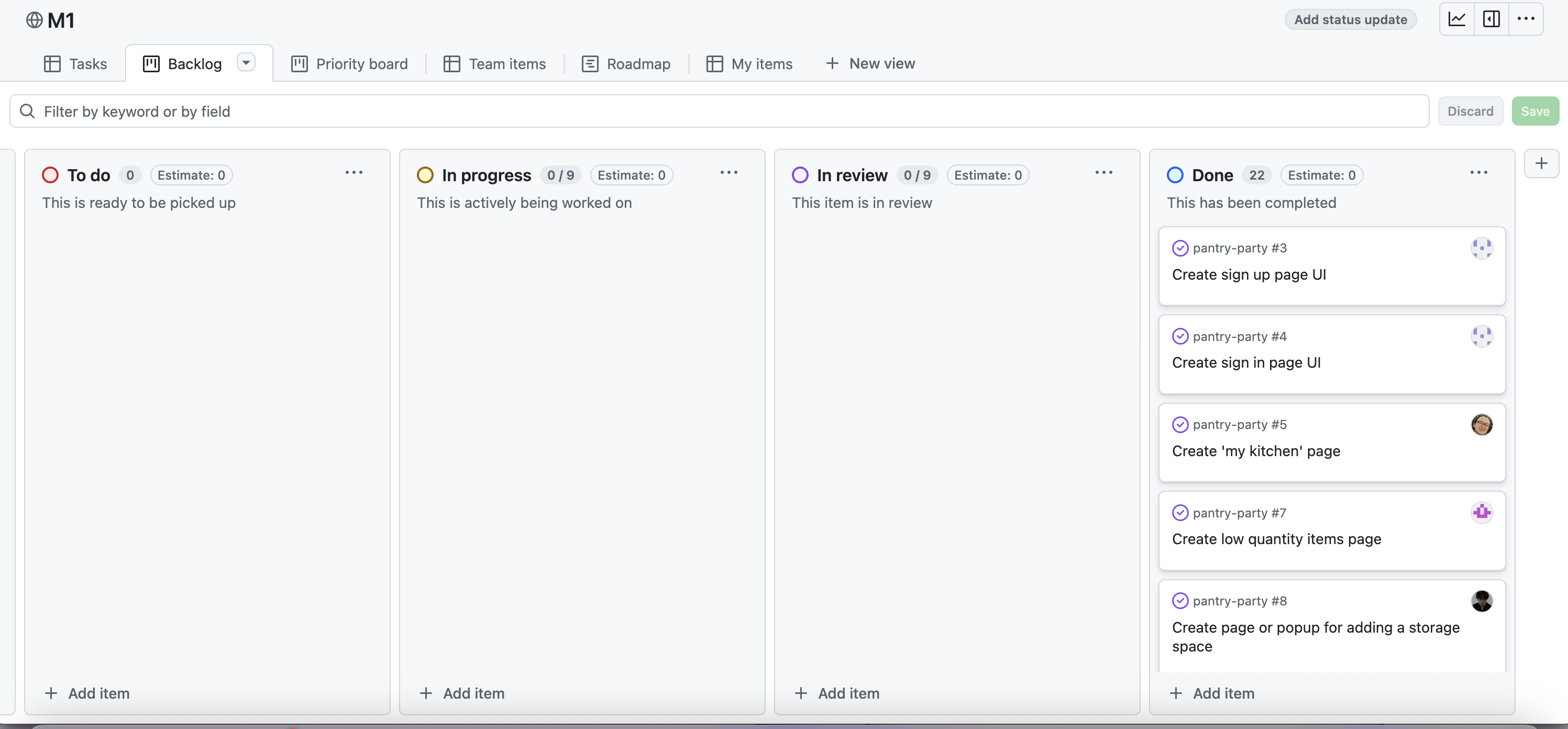
The goal of Milestone 1 was to create a work flow for the app to identify its main features to solve the problem of keeping track of supplies and managing ingredient usage. We focused on creating a mockup of the app’s UI.
Milestone 1 was managed using Party Pantry GitHub Project Board M1
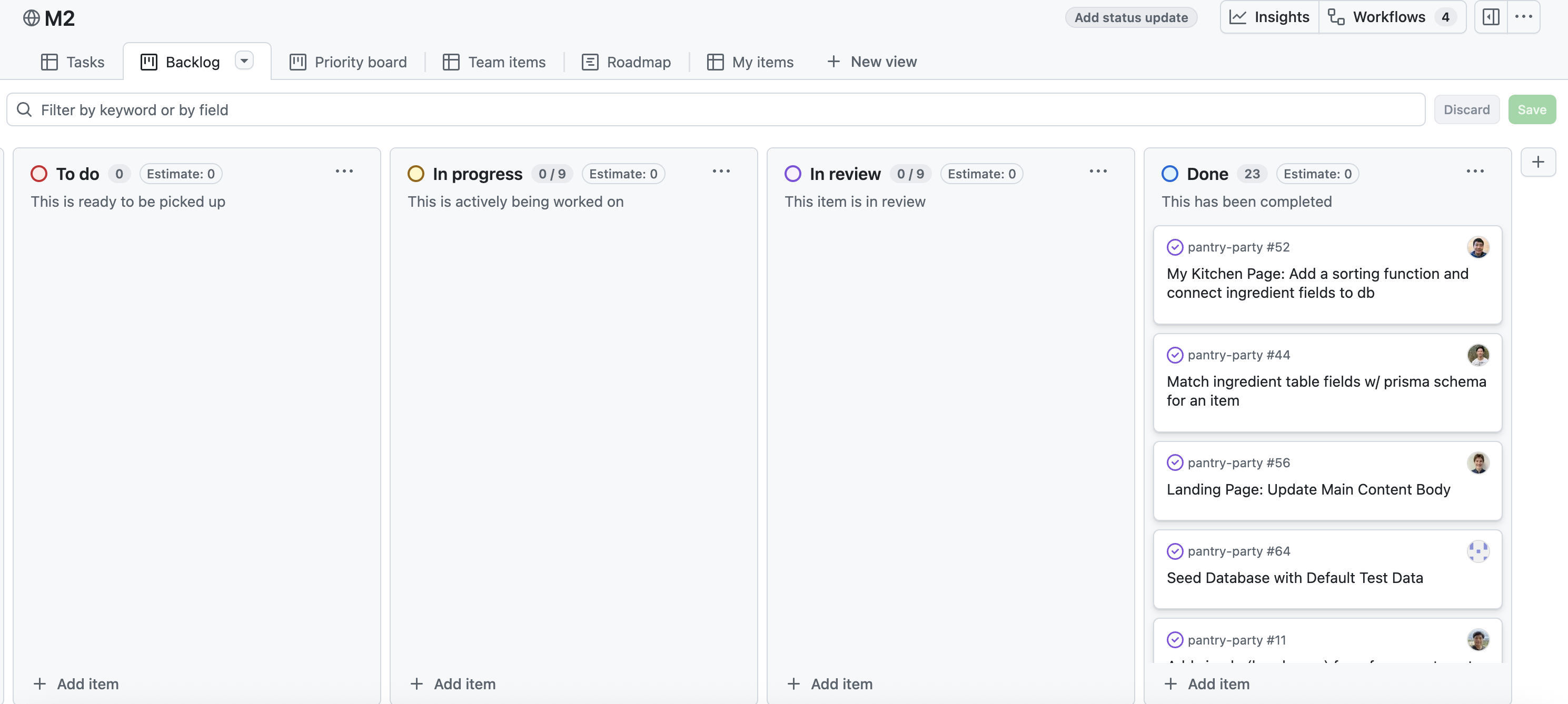
Milestone 2: Basic Skeleton of All Pages, Finalize Database Model, User Authentication
The goal of Milestone 2 was to create all the basic components of the app. For backend, this included implementing all the relational databases properly and ensuring that functionalities for adding and editing storage spaces/ ingredients work properly. For frontend, we will focus on creating simple layouts for all the webpages and check that all web pages and nav links in the menu bar navigate correctly based on an authenticated user.
Milestone 2 was managed using Party Pantry GitHub Project Board M2
Milestone 3: Improving Functionality, Project Organization, and Acceptance Testing
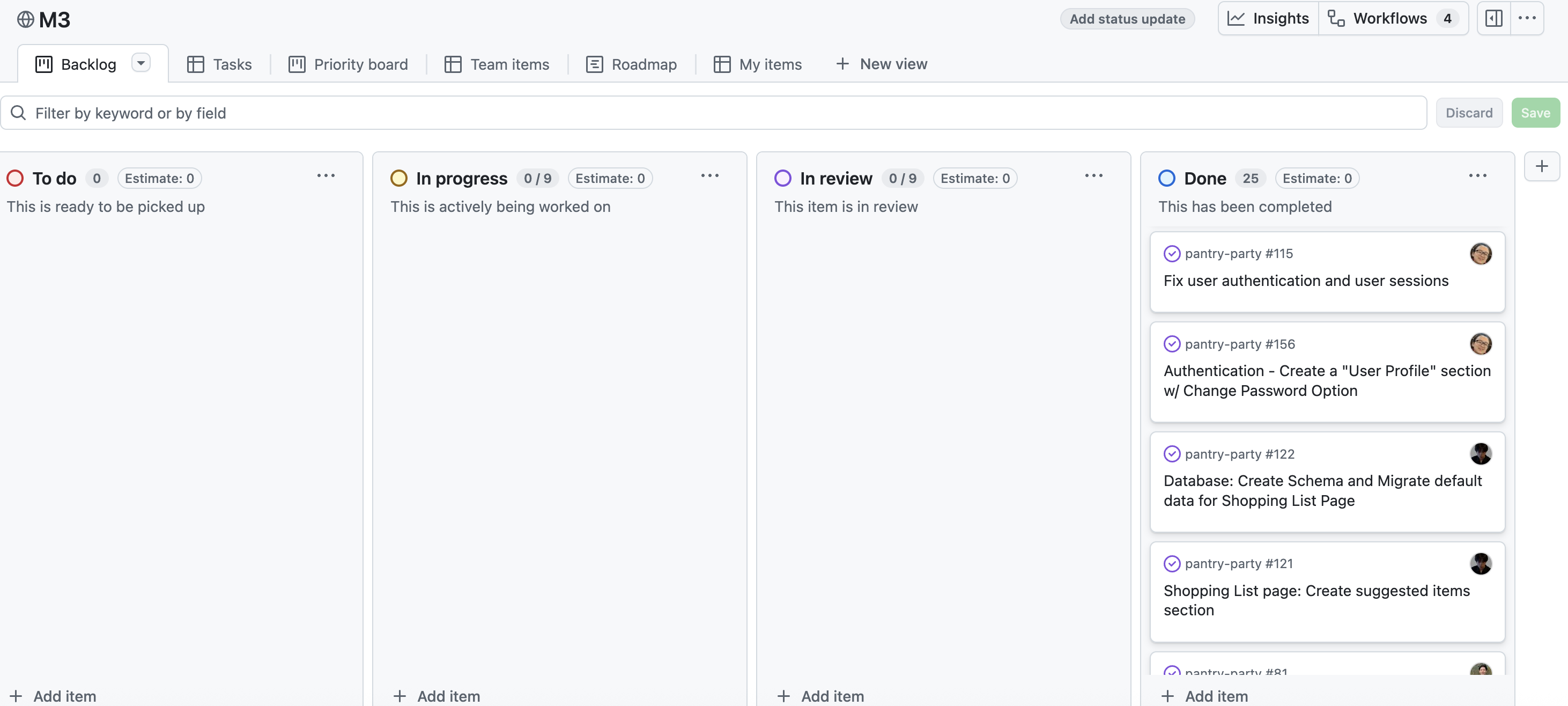
The goal of Milestone 3 was to have more functionality and user interactivity with forms and searching features for the My-Kitchen page. Our team is aiming to try to incorporate all data into our database for the Shopping-List and Recipes pages. We will also be continuing with acceptance tests for each of our pages.
Milestone 3 was managed using Party Pantry GitHub Project Board M3
Milestone 4: New Features, Additional Interactivity, Refining UI Design
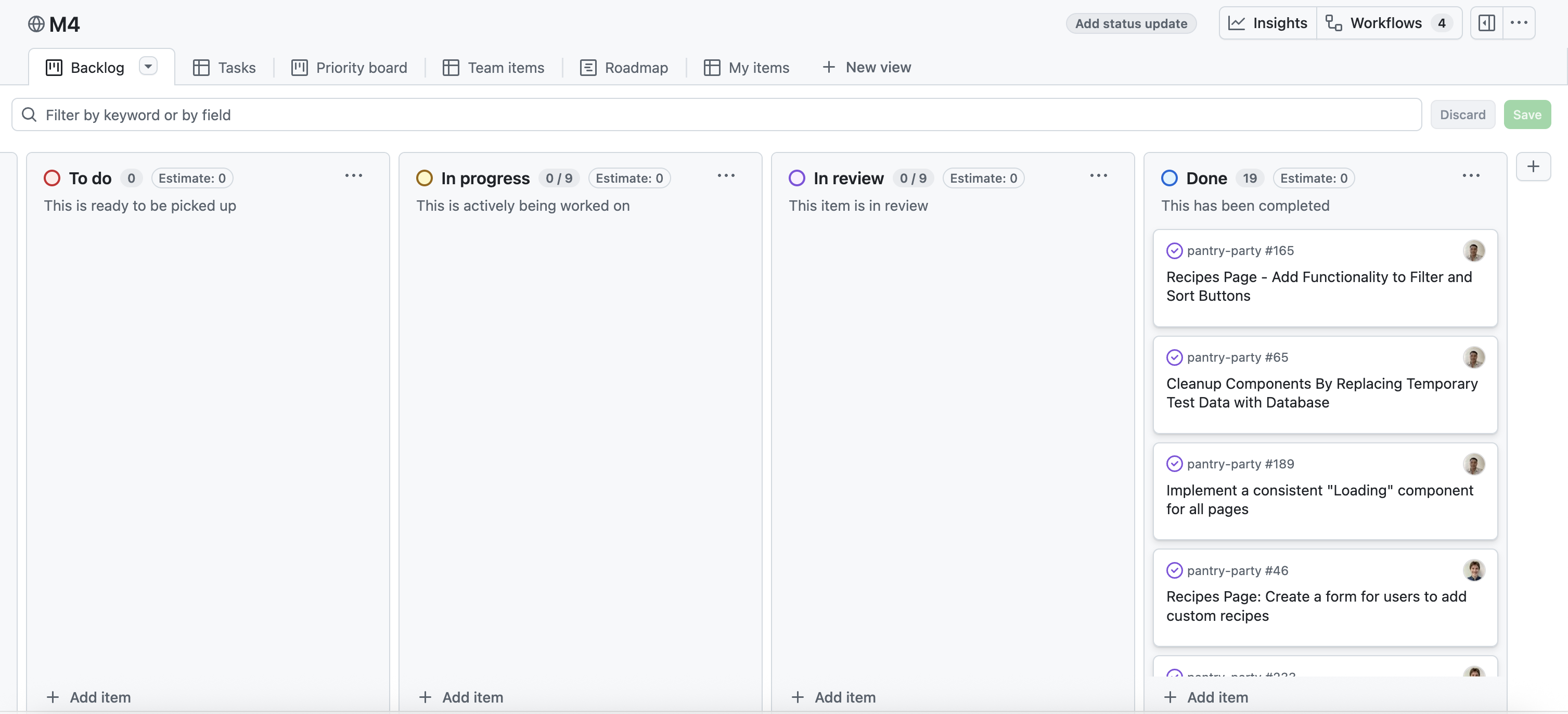
The goal of Milestone 4 was to add more functionality and user interactivity to our app. This included refining some of the UI design and ensuring that all functional options work with the database schemas(searching, sorting, filtering). Our team also added new pages, such as an individual Recipe page (Start Cooking guide for a recipe), a Market Locator Map page, and a Receipt Scanner page (currently WIP). We continued with acceptance tests for each of our pages and implemented around 6 user stories within our application.
Milestone 4 was managed using Party Pantry GitHub Project Board M4
Milestone 5: UI Touchups and Features for Large Datasets
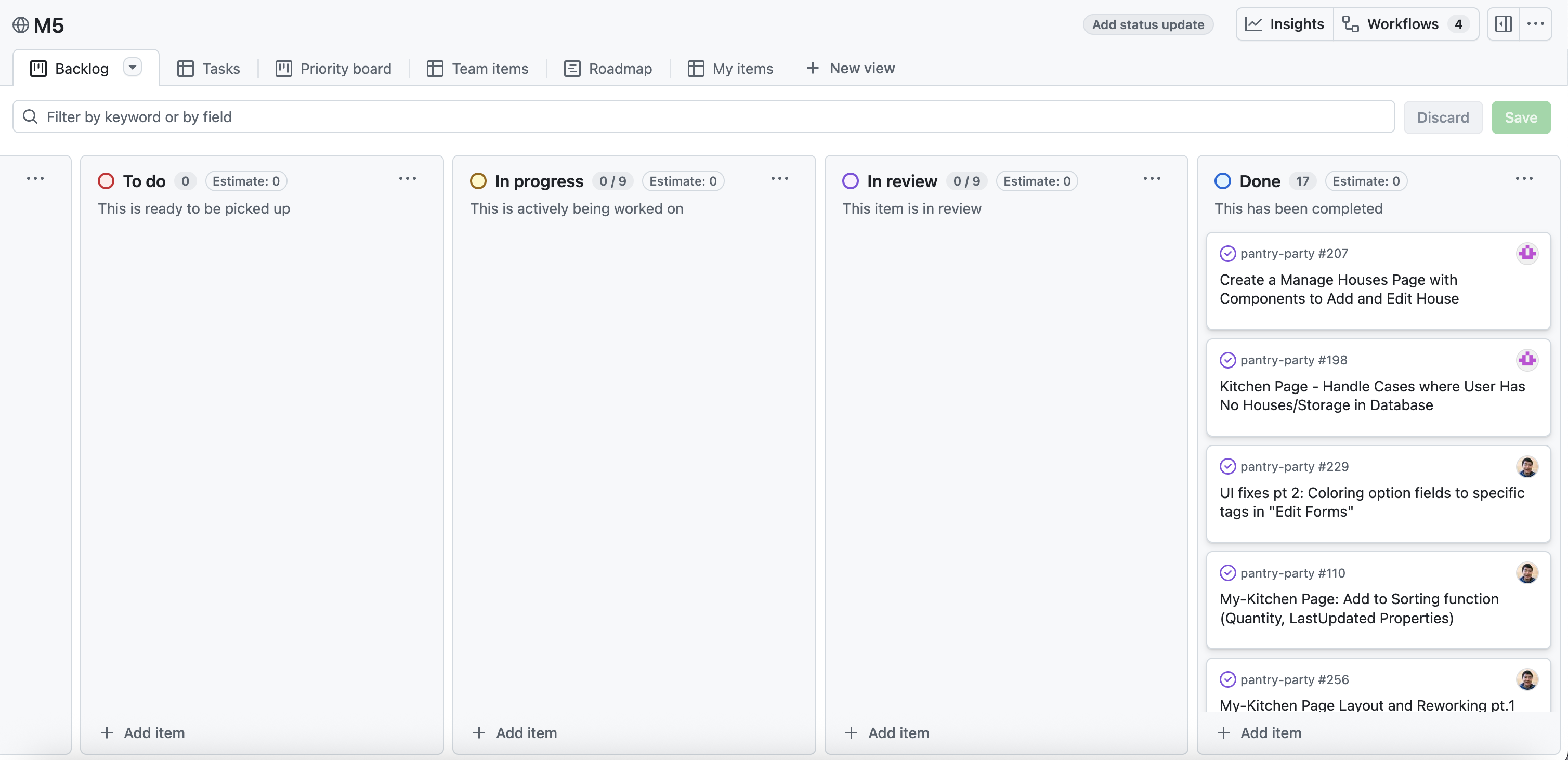
The goal of Milestone 5 was to integrate some UI adjustments for the long term goal of scaling and expanding the scope of our app. This consisted of adding more default test data to a larger scale and allowing the possibility of having multiple users sharing a location or storage space. Our team considered the new “look and feel” of our app to compensate for our SideBar style navigation. In terms of development, our team enhanced sorting features, integrated collapsable storage spaces, and added pagination to a user’s inventory. We also added a “review” feature for a recipe and continued with acceptance tests for each of our pages.
Milestone 5 was managed using Party Pantry GitHub Project Board M5
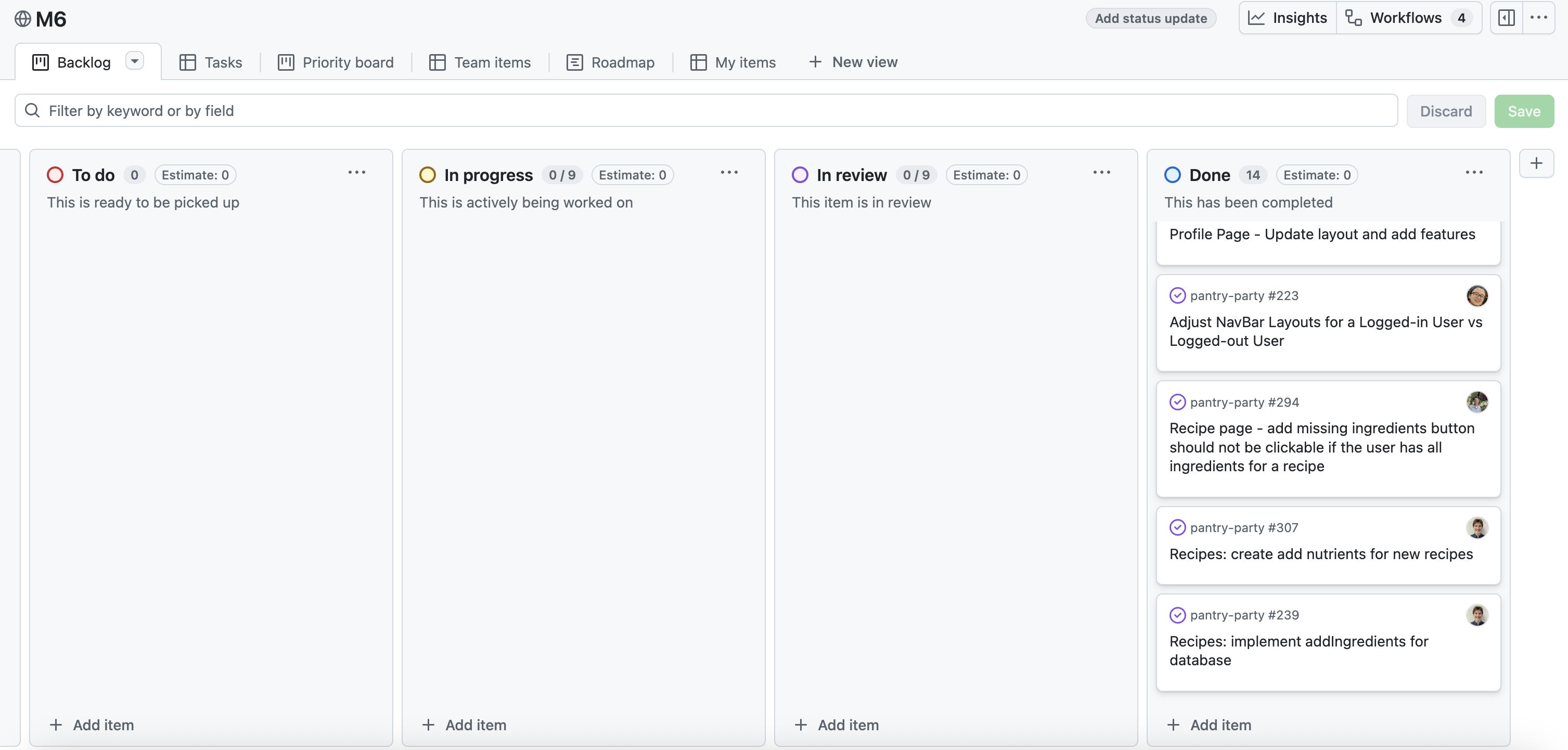
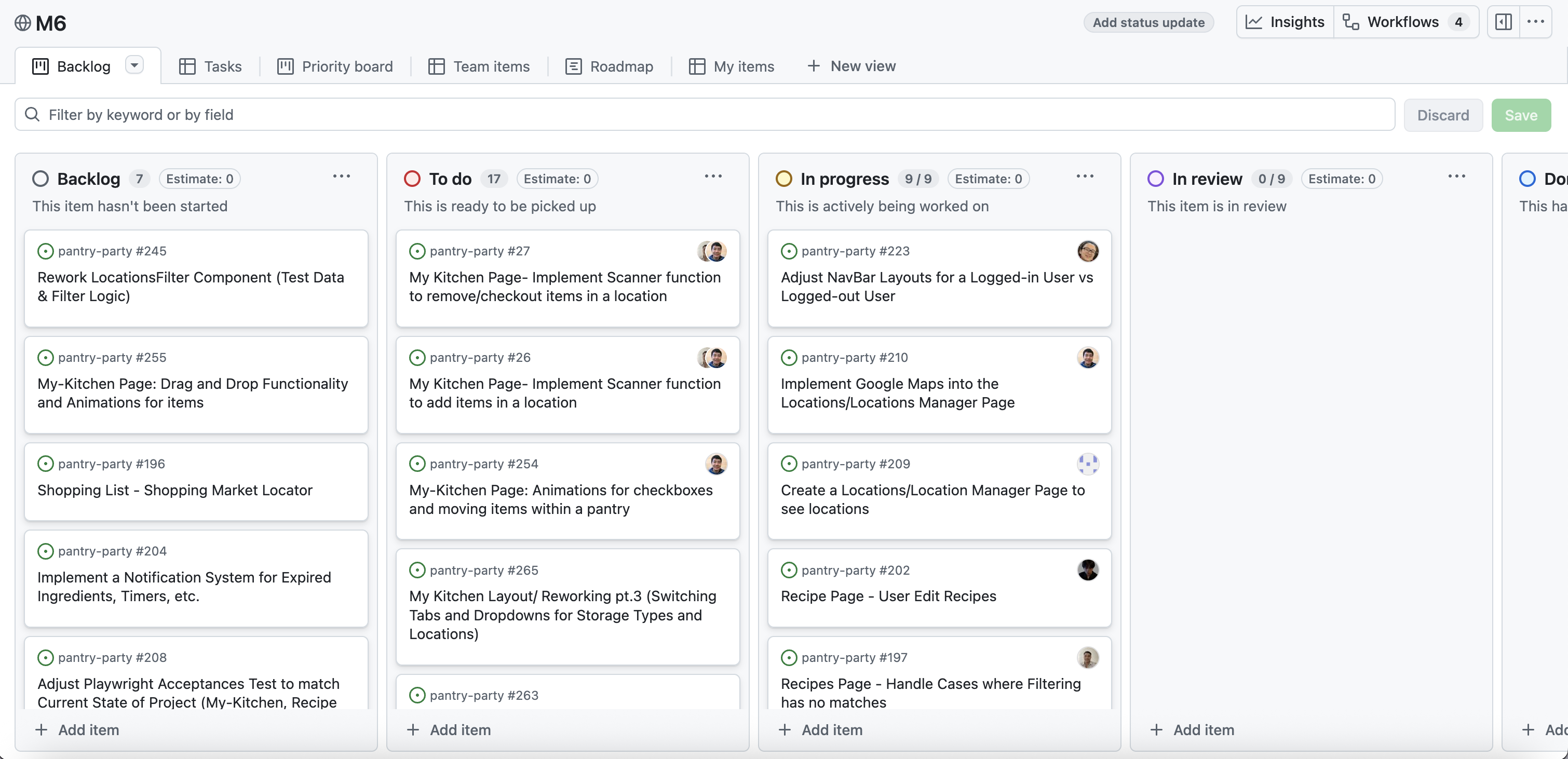
Milestone 6: Functionality for New Pages and Features
The goal of Milestone 6 was to focus on functionality of our new pages, mainly involving the Shopping Market Locator, Stores, and Receipt Scanner pages. We added some functionality to add missing ingredients from a specific recipe into a user’s shopping list. Our team also prioritized UX enhancement through user interactivity (clcikable animations of lists and pop-up recommended sections). We also implemented around 9 user stories within our application.
Milestone 6 was managed using Party Pantry GitHub Project Board M6
Milestone 7: UI Enhancements and Refining all Functionalities
The goal of Milestone 7 is to refine all functionalities to our Shopping Market Locator and Receipt Scanner pages. We plan to implement a Home Dashboard for a user and have acceptance tests for each of our pages. Furthermore, our team would like to expand toggable views (between card and lists) for the Shopping List, Recipes and My Kitchen inventory pages. At the end of this milestone, our app should have the following:
- Refined UI/UX for all pages for a polished look of our app
- Full functionality across all pages and cross-functionality working with the database
- Complete acceptance testing
Milestone 7 was managed using Party Pantry GitHub Project Board M7
Acceptance Testing
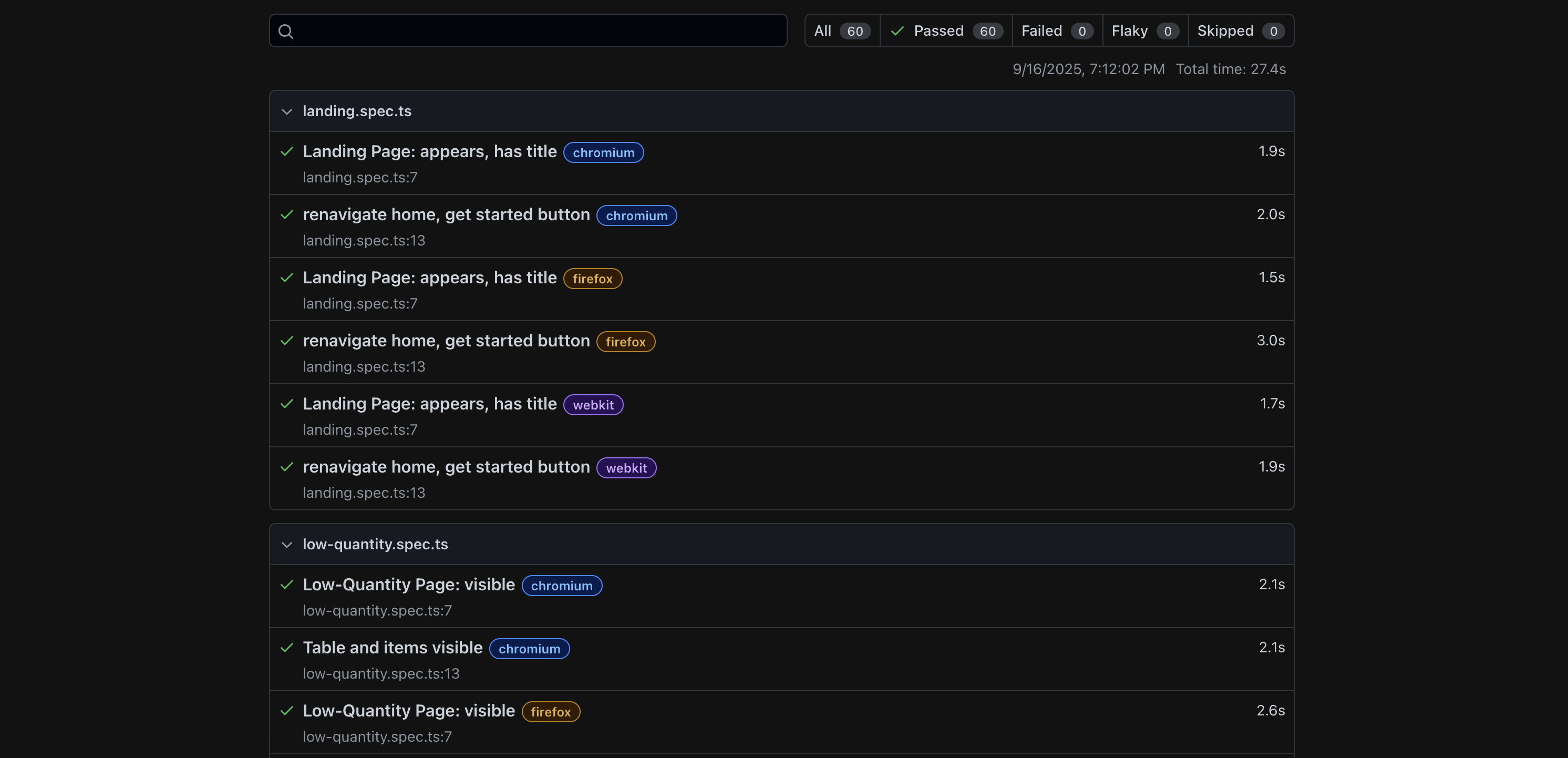
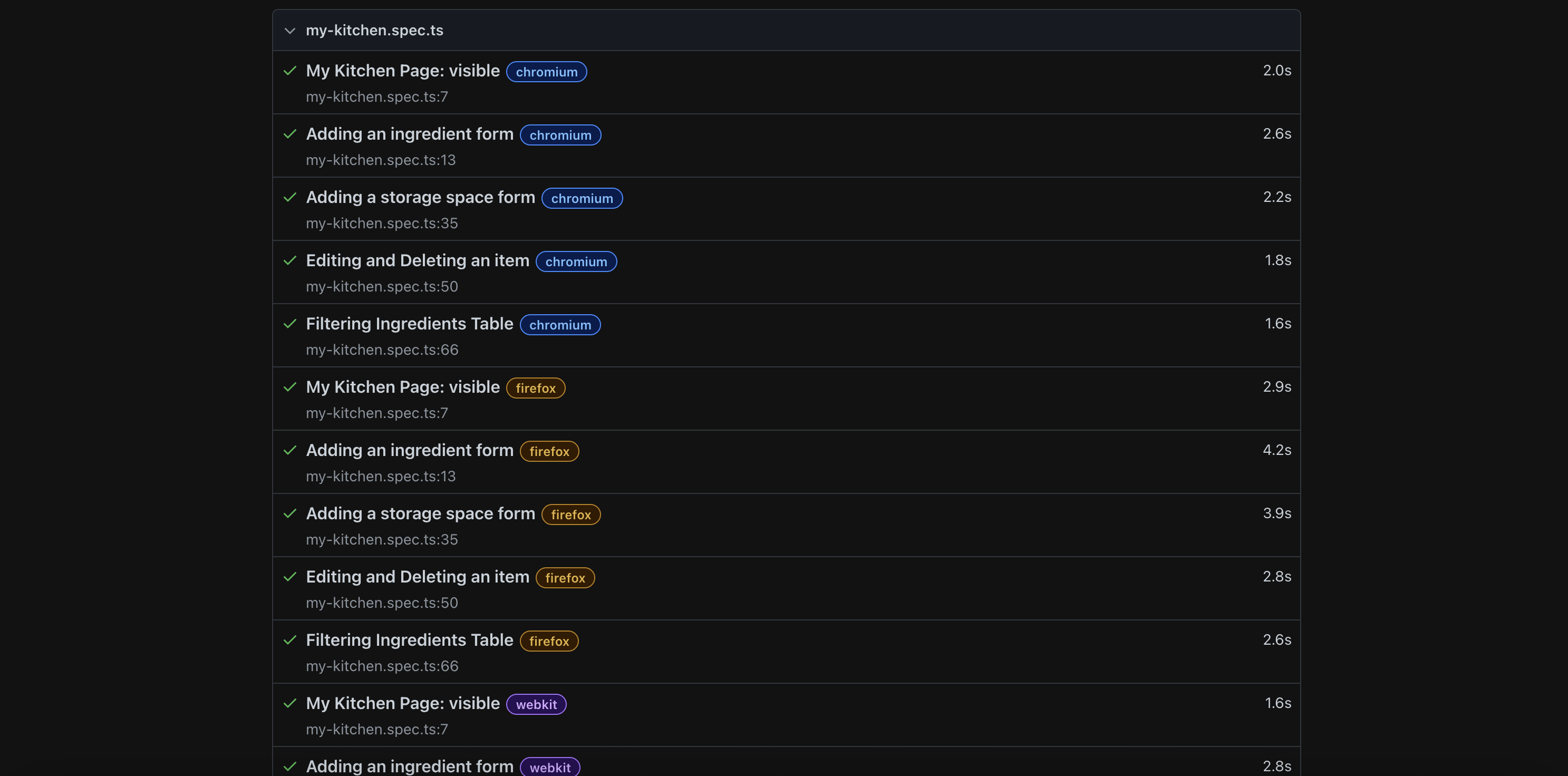
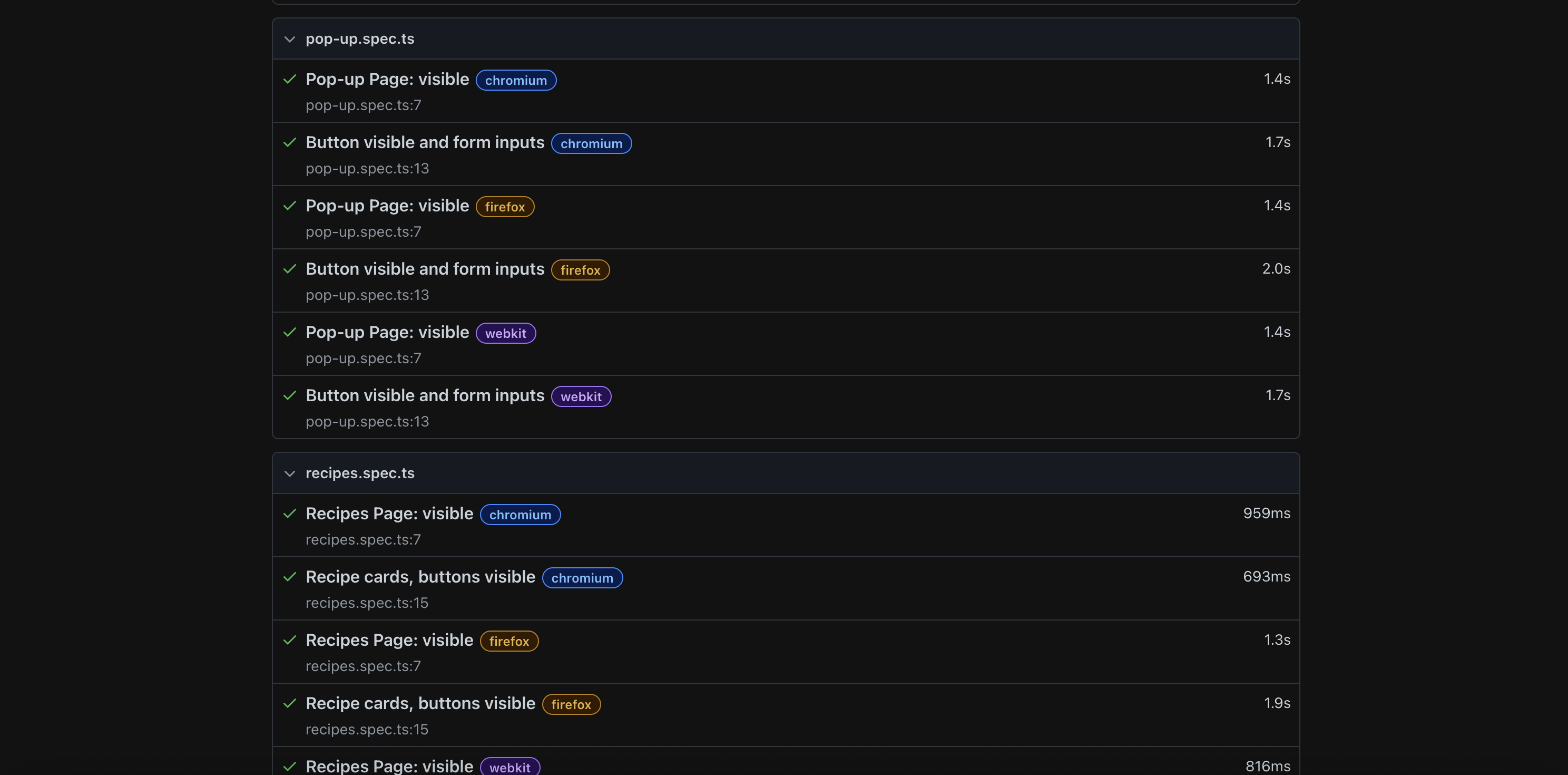
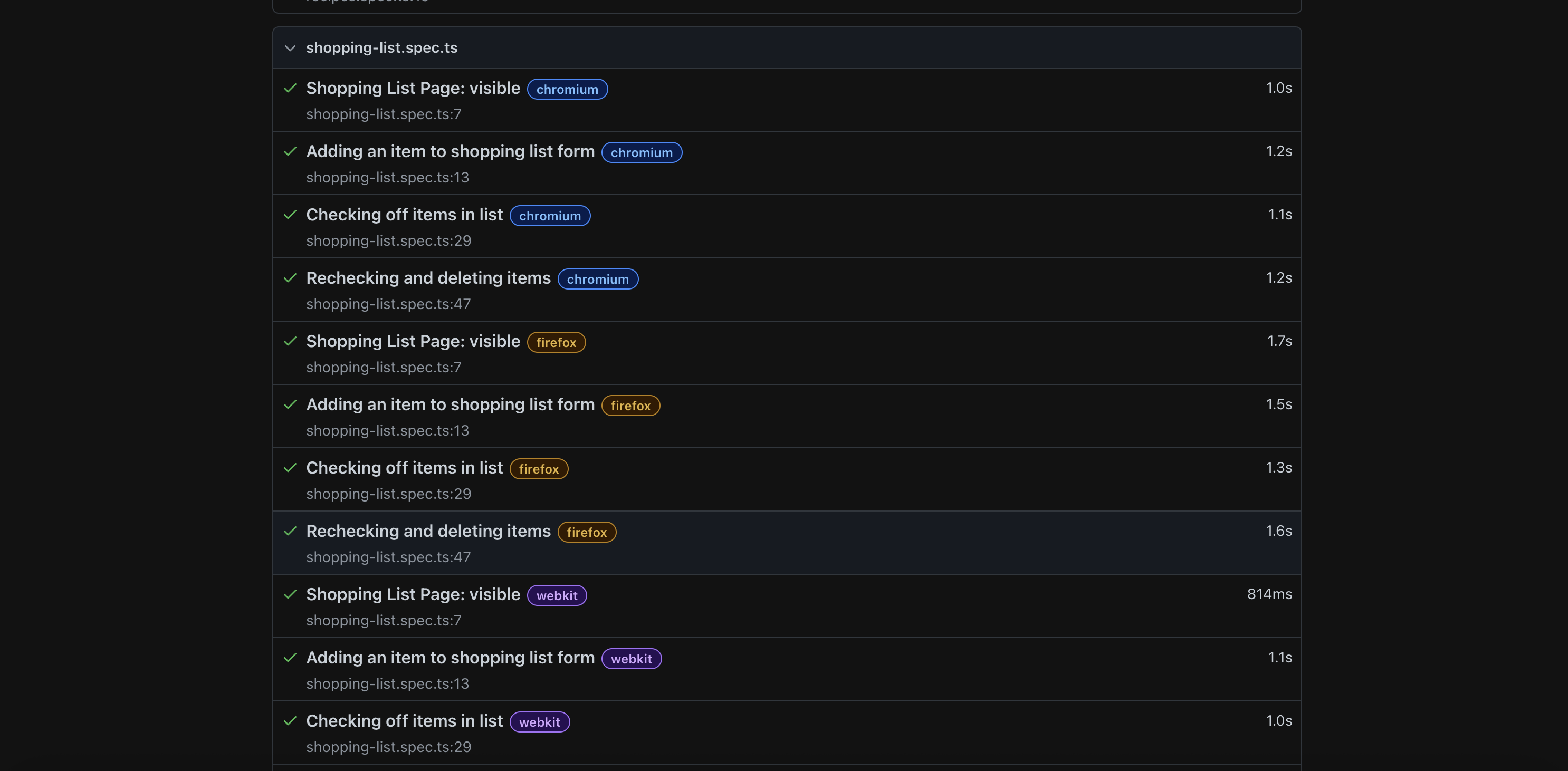
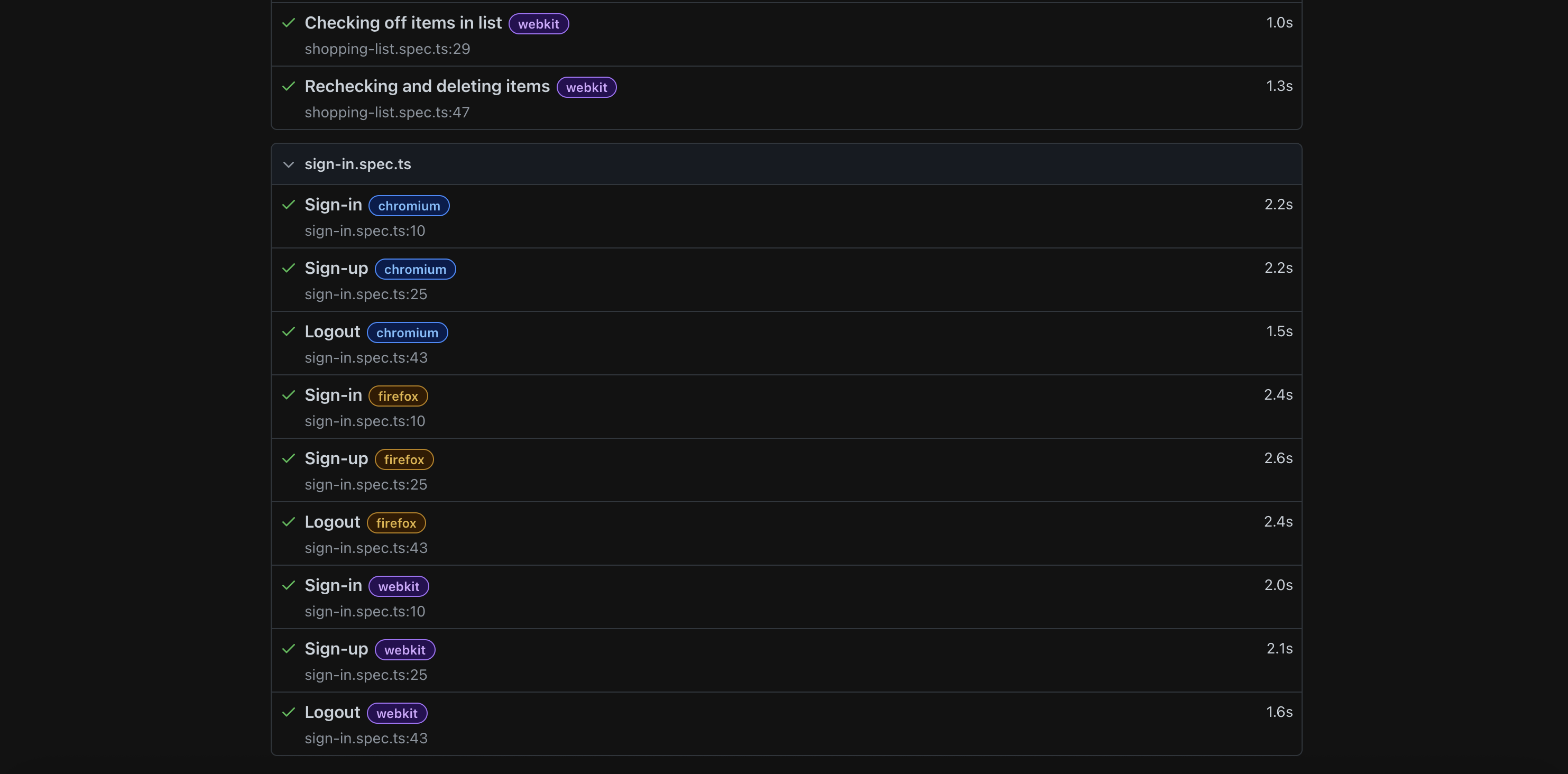
The following are screenshots of our basic acceptance testing for Pantry Pantry. We used Playwright to run our acceptance tests:
Developer Guide
Continuous Integration

Party Pantry uses GitHub Actions to automatically run ESLint and Playwright tests each time a commit is made to the default branch. You can see the results of all recent “workflows” at https://github.com/party-pantry/pantry-party/actions.
The workflow definition file is located at .github/workflows/ci.yml.
Team Contract
Link to Team Contract (will open in Google Docs).
Team Members
Party Pantry is designed and developed by: